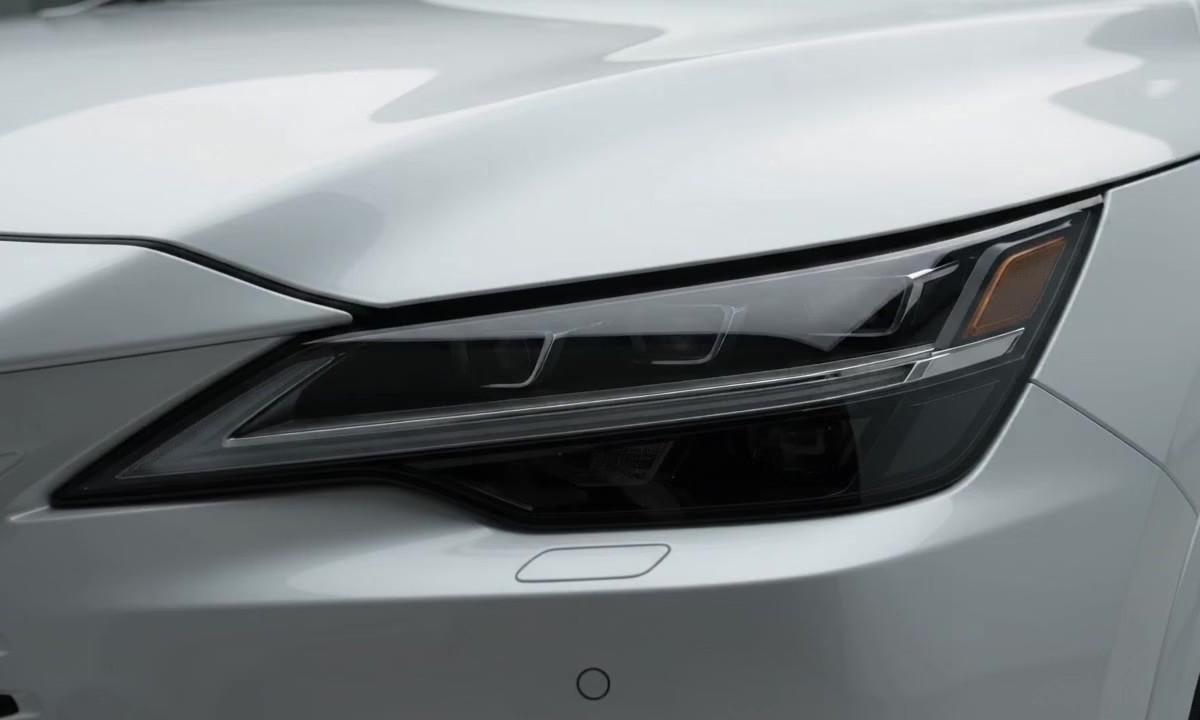
🎨 AI IMAGE GENERATOR — Create Stunning Social Media Images from Simple Text Prompts! 🖼️✨
🎨 AI IMAGE GENERATOR — Create Stunning Social Media Images from Simple Text Prompts! 🖼️✨ 😱 Still struggling to create eye-catching images for your social media posts? Stop wasting hours designing! 🚀 AI can turn your simple words into stunning visuals in seconds! What if you could create professional-looking Instagram posts, YouTube thumbnails, Facebook banners, and Pinterest graphics just by typing a few words? 👀 Yes, AI can help you do that! You don't need to be a professional designer to bring your creative ideas to life! 💡 Whether you're a beginner, content creator, student, or small business owner, AI image generators can help you express your imagination and make your content stand out. 🌟 Looking for the best way to create AI images for social media? 🎨 AI image generators help creators transform text prompts into creative visuals for Instagram, YouTube, Facebook, Pinterest, and other platforms. Discover how to generate engaging images, save time, and improve your content creation workflow—even without advanced design skills! Follow these 5 simple steps! 👇 ✅ Step 1: Choose an AI image generator, such as Microsoft Designer, Canva, or Adobe Firefly. ✅ Step 2: Type a clear text prompt describing your idea. ✅ Step 3: Add details about the style, colors, lighting, background, and mood. ✅ Step 4: Generate different versions and choose your favorite image. ✅ Step 5: Resize, customize, and download your visual for your preferred social media platform. Always check the tool's usage and licensing terms before publishing. 📝 TRY THIS AI IMAGE PROMPT! “Create a cinematic 3D social media poster about AI technology, elegant blue and purple lighting, realistic details, premium professional design, soft glowing effects, balanced composition, visually appealing colors, and a clean background. Make it suitable for an Instagram post.” ✨ SHOW THE RESULT Imagine turning a simple text idea into a beautiful, professional-looking visual that captures attention while scrolling! 🤩 📌 QUICK TIPS FOR BETTER AI IMAGES 🎯 Be specific with your prompts. 🎨 Use colors that match your brand. 💡 Try different styles, such as 3D, realistic, cinematic, cartoon, or minimalist. 📱 Choose the correct image size for each platform. ✍️ Add important text manually in a design editor if the AI generates misspelled words. 🔥 YOUR TURN! LET'S TALK 👇 Would you use an AI image generator? YES or NO? 💬 Have you tried this tool before? 📸 Would you use AI-generated images for Instagram? ❤️ Comment your answer below! 🔖 SAVE & SHARE 📌 Save this post—you'll need this tool later! 📩 Send this to a creator who needs better social media visuals. 🚀 Follow for more practical AI tools and content creation tips! 📲 YOUR DAILY AI UPDATE SERIES 🤖✨ FollowMy Insta Handle @vaishnavbrahmin5facelesschor Ai tube A/c for daily AI updates, tips, tools, and trends. 🎁 Free updates every day — don't miss out! Discover how AI can help you create engaging videos for Instagram Reels, YouTube Shorts, and Facebook without complicated editing! 👀 Stay tuned for the next AI-powered content creation trick! #AIImageGenerator #AIImages #ArtificialIntelligence #AITools #SocialMediaTips #InstagramGrowth #ContentCreation #DigitalCreator #AIDesign #InstagramTips #YouTubeCreators #FacebookMarketing #PinterestMarketing #TextToImage #AICreativity #AIUpdates #AITips #FacelessCreator #ContentCreator #VaishnavBrahmin5Facelessch