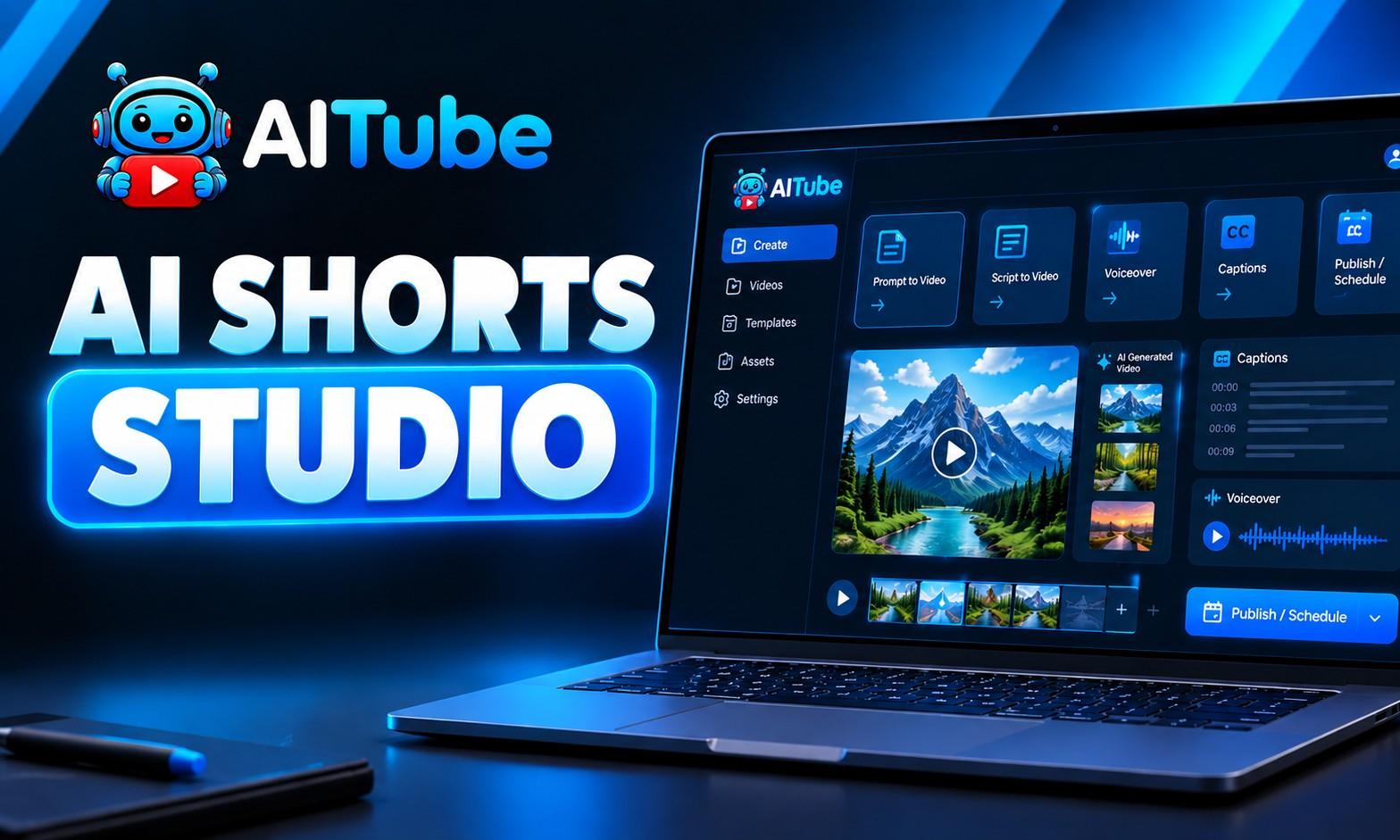
AITube AI Short Studio Tutorial | Create, Edit & Publish AI Videos in One Platform
Learn how to create, customize, edit, and publish AI videos from start to finish with AITube AI Short Studio. In this video, I walk through the complete AI video creation workflow and explain how each feature works, including Prompt to Video, Script to Video, Auto Series, Caption Generator, Upload & Publish, and Characters. You’ll learn how to: Turn a rough idea into an AI-generated video Enhance your video prompts Choose video duration and AI video models Create consistent characters Customize scripts, voiceovers, visual styles, music, and captions Create videos from scripts Generate multiple episodes with Auto Series Automatically add captions to videos Upload and publish Shorts to YouTube, TikTok, and AITube Schedule videos or publish them immediately Create and manage reusable AI characters Whether you're a content creator, social media manager, marketer, or AI video creator, AITube AI Short Studio brings the complete workflow into one platform. One idea → Create → Edit → Publish. Explore AITube: aitube.app #AITube #AIShortStudio #AIVideoGenerator #AIContentCreation #AIShorts