Key takeaways
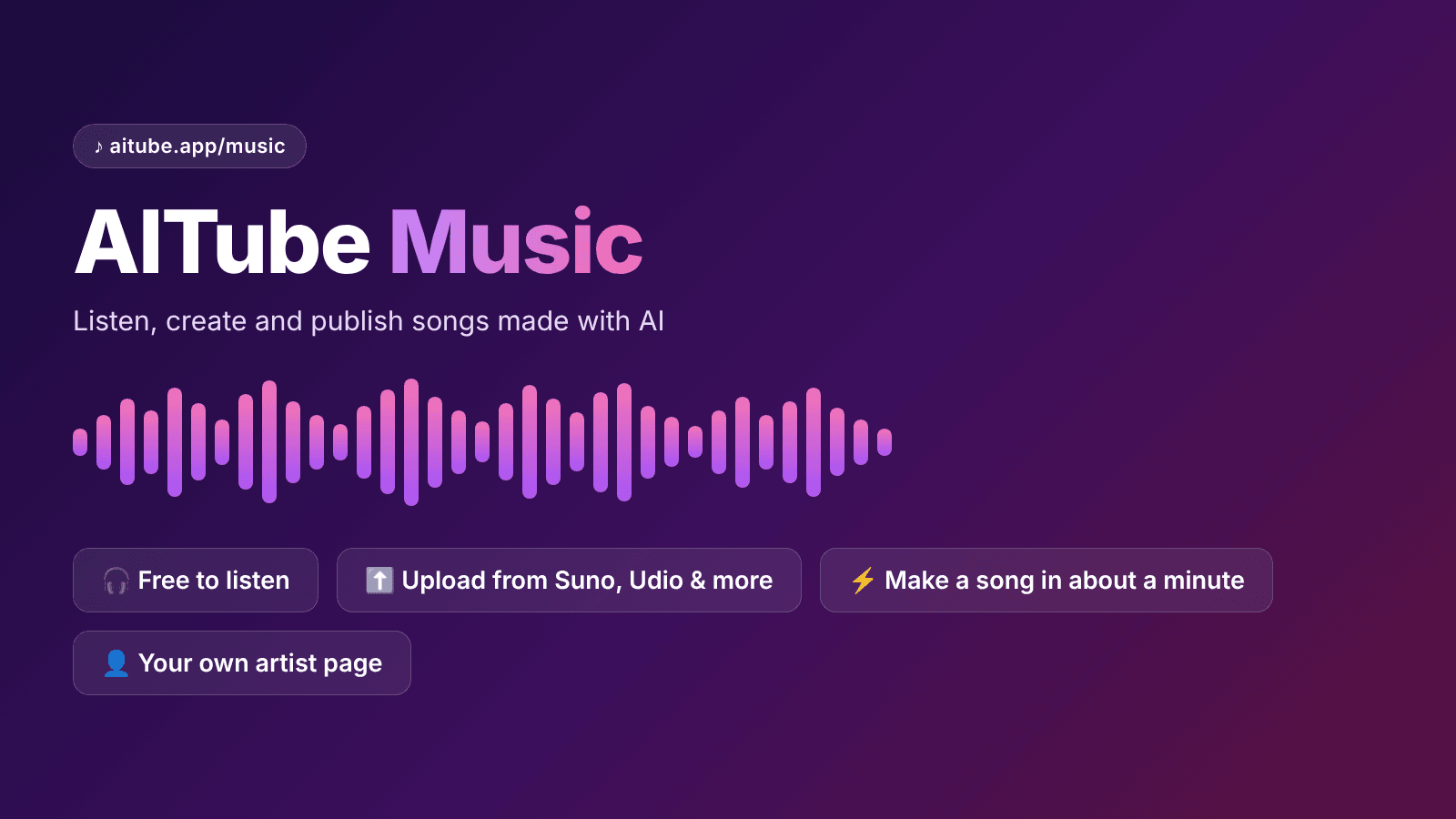
AITube Music is a free streaming home for AI-made songs. No account is needed to listen.
Creators can upload songs from Suno, Udio or any AI tool for free, with a cover, genre and tool label.
The built-in Create a song tool makes a song in about a minute, with download, stems and publishing.
Every song lives on an artist page, so your work builds into one catalogue.
Music and music videos are separate. Use both to reach listeners and viewers.
What is AITube Music?
AITube Music is the music side of AITube, a platform built only for AI-made video and music. It works like a regular music app. You can browse new releases, popular tracks, genres and artists.
The difference is simple. Every song on AITube Music is made with AI. That means listeners come looking for AI music on purpose. Nobody is surprised or annoyed that a song was made with Suno or Udio.
This matters for creators. On most music platforms, AI songs compete with millions of human-made tracks. Some listeners skip anything that sounds AI-made. On AITube Music, AI is the starting point, not a problem to explain.
Why AI songs need their own home
AI music tools have grown fast. Tools like Suno and Udio let anyone turn a short idea into a song with vocals, instruments and lyrics. Millions of people now make songs this way.
But most of those songs never get heard. They sit in a generator's library or a downloads folder. Here are the main problems creators face:
No audience. A song in your generator account has no listeners.
Mixed reactions. Big platforms often treat AI music with suspicion.
No identity. Songs spread across many tools never build into one body of work.
No credit for the tool. Listeners can't see which AI made what, so good prompts and styles go unnoticed.
AITube Music is built to fix these problems. It gives each creator an artist page, a listening audience and clear labels for every track.
Key features of AITube Music
Here's what you get today, based on the live aitube.app/music page.
Feature | What it does |
|---|---|
Discover | Browse new releases, top tracks and genres |
Search | Find songs and artists by name |
Liked Songs | Save the songs you love in one place |
Your Library | Keep your playlists and saved music together |
Artists | Follow AI music creators and see their full catalogue |
Create a song | Make a new AI song inside AITube |
Upload | Publish songs you made with other AI tools, for free |
Genres on the platform include Pop, Hip Hop, R&B, Afrobeats, Reggae, Jazz and Gospel, plus an "Other" group for everything else. Each track shows its title, artist, genre and length, so it's easy to scan.
How to listen on AITube Music
Listening is the easiest part. You don't need an account to play songs. Just open aitube.app/music and press play.
If you sign in, you can do more:
Like songs so they're saved in Liked Songs.
Follow artists you enjoy so you don't miss new releases.
Build playlists in Your Library for study, workouts or road trips.
A short tour video (about 1 minute 20 seconds) on the page shows how everything fits together. It's a good place to start if you're new.
How to create a song on AITube
You don't need another tool to make music. AITube has a built-in Create a song page. Its promise is simple: make a song in about a minute.
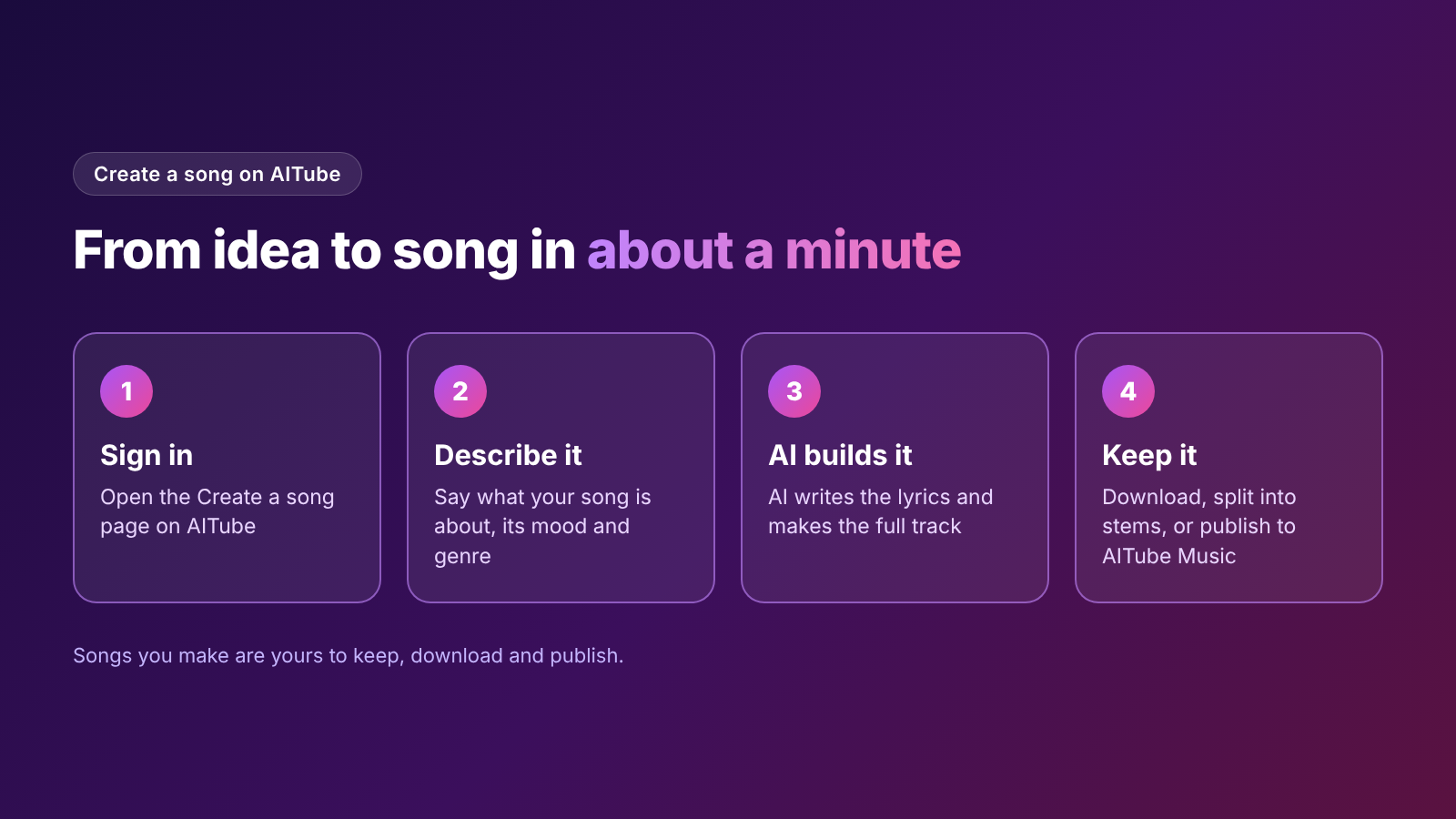
Here's how it works:
Sign in to your AITube account.
Describe your song. Say what it's about, such as "a happy song about summer in Lahore."
Let AI write the lyrics and build the track.
Keep your song. You can download it, split it into stems, or publish it straight to AITube Music.
Stems are the separate parts of a song, like vocals, drums and bass. They're useful if you want to remix the track or use parts of it in a video.
Songs you make are yours to keep, download and publish. That makes it easy to use one song in many places.
Tip: Be specific in your description. Name the mood, the genre and the topic. "Slow R&B love song about missing home" works much better than "make a song."
How to publish songs made with Suno, Udio or other tools
Already have songs in Suno or Udio? You can bring them to AITube Music. Uploading is free.
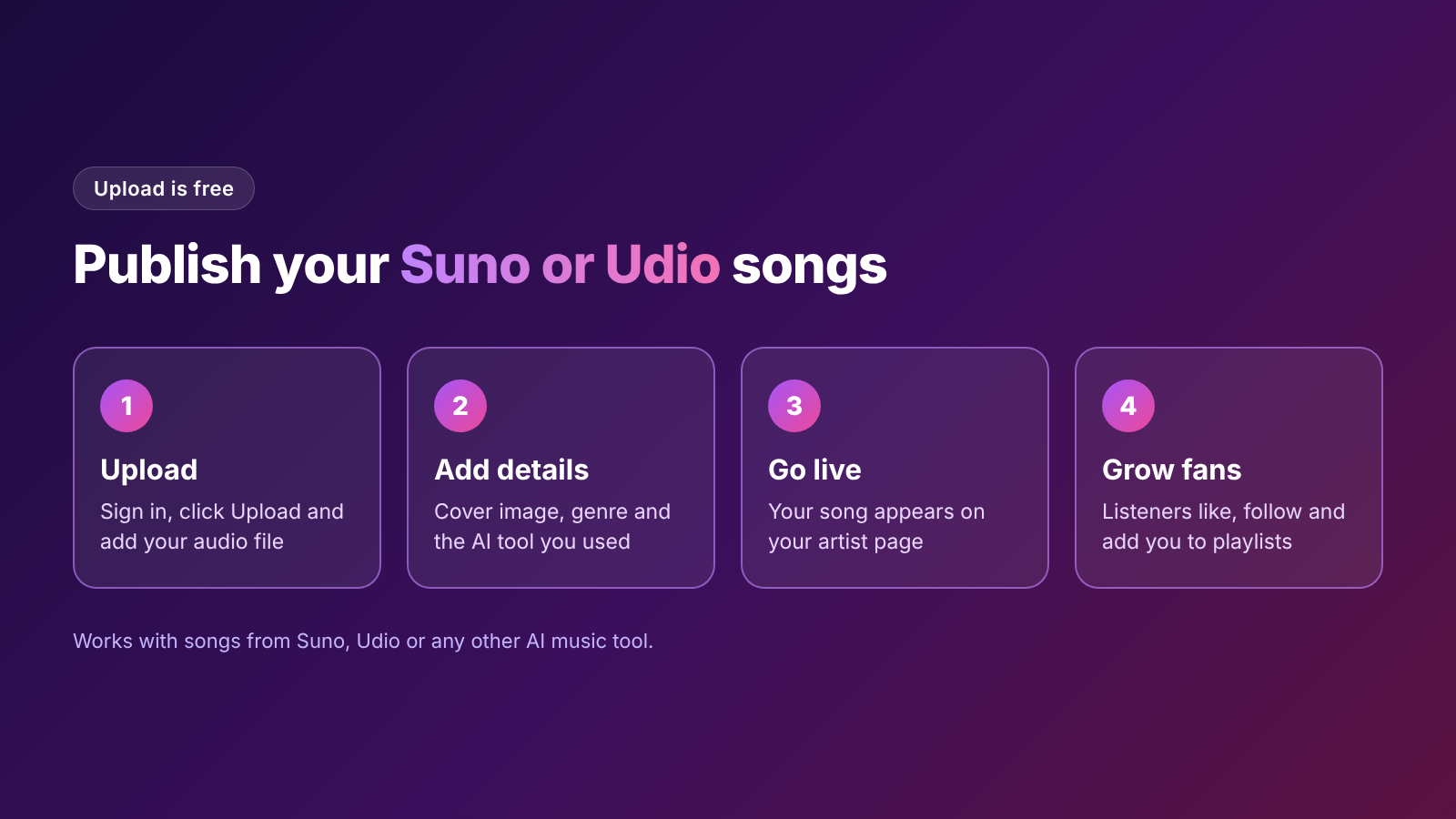
Follow these steps:
Sign in and click Upload.
Add your audio file.
Add a cover image so your song stands out in the feed.
Pick a genre, like Pop or Afrobeats.
Name the AI tool you used, such as Suno or Udio.
Publish. Your song now appears on your artist page.
Naming the tool is a small step that helps a lot. Listeners who like a sound can see how it was made. Other creators can learn which tools fit which styles.
Tips to get more plays
Use a strong cover. It's the first thing people see.
Choose the right genre. Listeners browse by genre, so a correct tag puts you in front of the right fans.
Release often. A full artist page looks more serious than a single track.
Share your artist page link on social media, WhatsApp groups and Discord.
Turn your best song into a music video and post it in the AI Music video category too.
AITube Music vs AI music videos
AITube has two places for music, and they do different jobs.
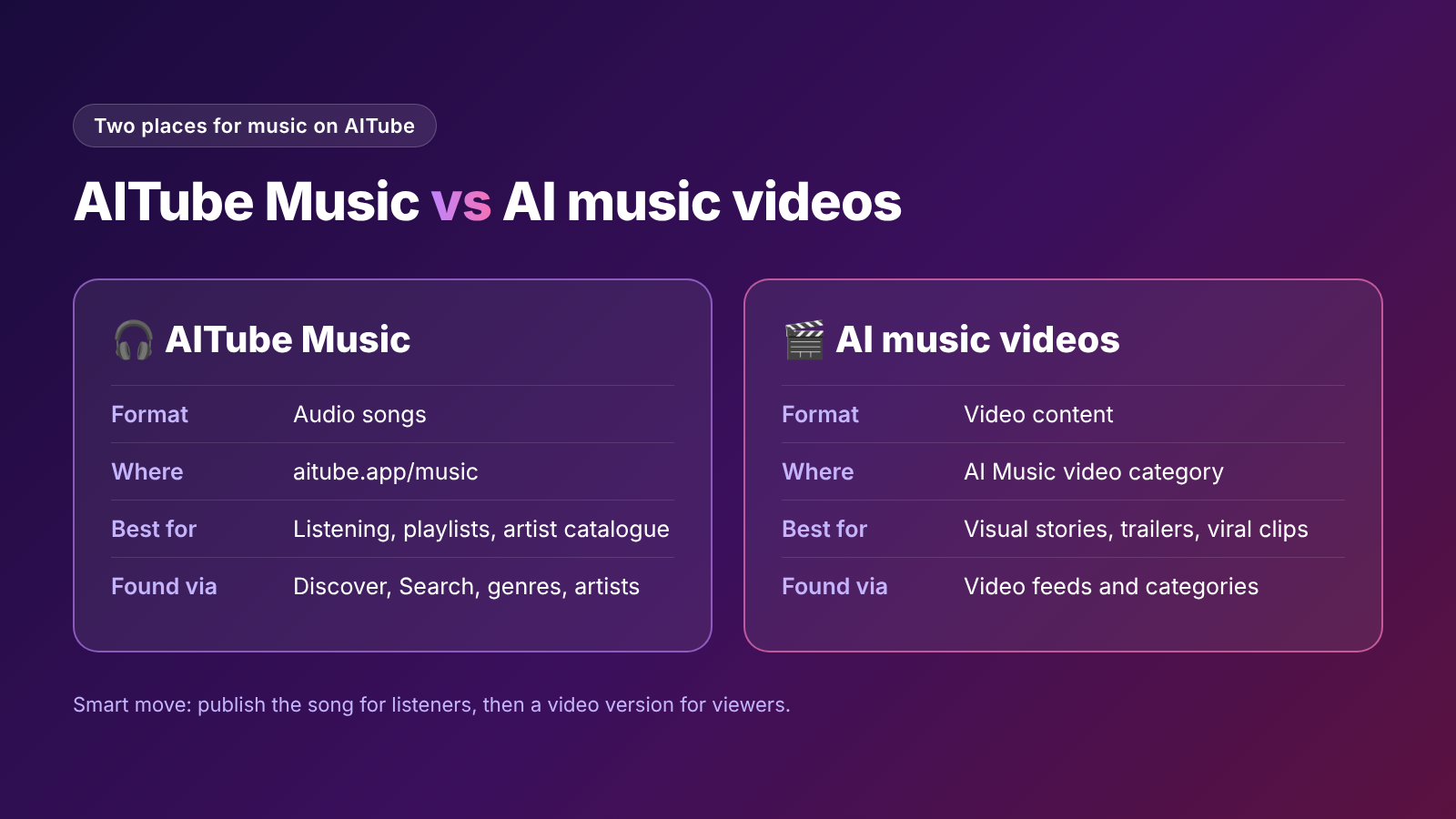
AITube Music | AI music videos | |
|---|---|---|
Format | Audio songs | Video content |
Where it lives | aitube.app/music | The AI Music video category |
Best for | Listening, playlists, building an artist catalogue | Visual storytelling, trailers, viral clips |
How people find it | Discover, Search, genres, artists | Video feeds and categories |
The smart move is to use both. Publish the song on AITube Music for listeners. Then make a video version for viewers. One idea, two audiences.
Can you earn money with AITube?
AITube offers a creator monetization program and an affiliate program that pays 15% on referrals. Creators can also win cash in Prompt Battles, AITube's themed AI contests. Cash-outs go through Stripe or PayPal.
The exact rules for music payouts aren't listed on the music page yet. So check the Creators Monetization page on aitube.app for the latest details before you plan around income.
What does it cost?
Listening is free, and uploading is free. You can also make an account at no cost.
AI generation inside AITube uses credits. Credit packs start at $3 for 150 credits, and those credits never expire. Monthly plans include Creator at $19.99 and Pro at $34.99. The pricing page doesn't list a separate credit cost for songs, so check inside the Create a song tool before you start.
Who should use AITube Music?
AITube Music is a good fit if you:
Make songs with Suno, Udio or other AI tools and want real listeners
Want one artist page for all your AI music
Like discovering new AI songs by genre
Want to turn songs into music videos on the same platform
Are just starting out and need an audience that's open to AI music
It may not be your main platform if you need major streaming services like Spotify for royalties. Many creators use AITube Music alongside those platforms, not instead of them.
Final thoughts
AI music is no longer a novelty. It's a real creative craft, and it deserves a real audience. AITube Music gives AI songs a free place to be heard, an artist page to grow, and a direct link to AI music videos.
Whether you already have a folder full of Suno tracks or you want to make your first song today, it's a simple place to start. Visit aitube.app/music to listen free, upload your songs, or create a new one in about a minute.