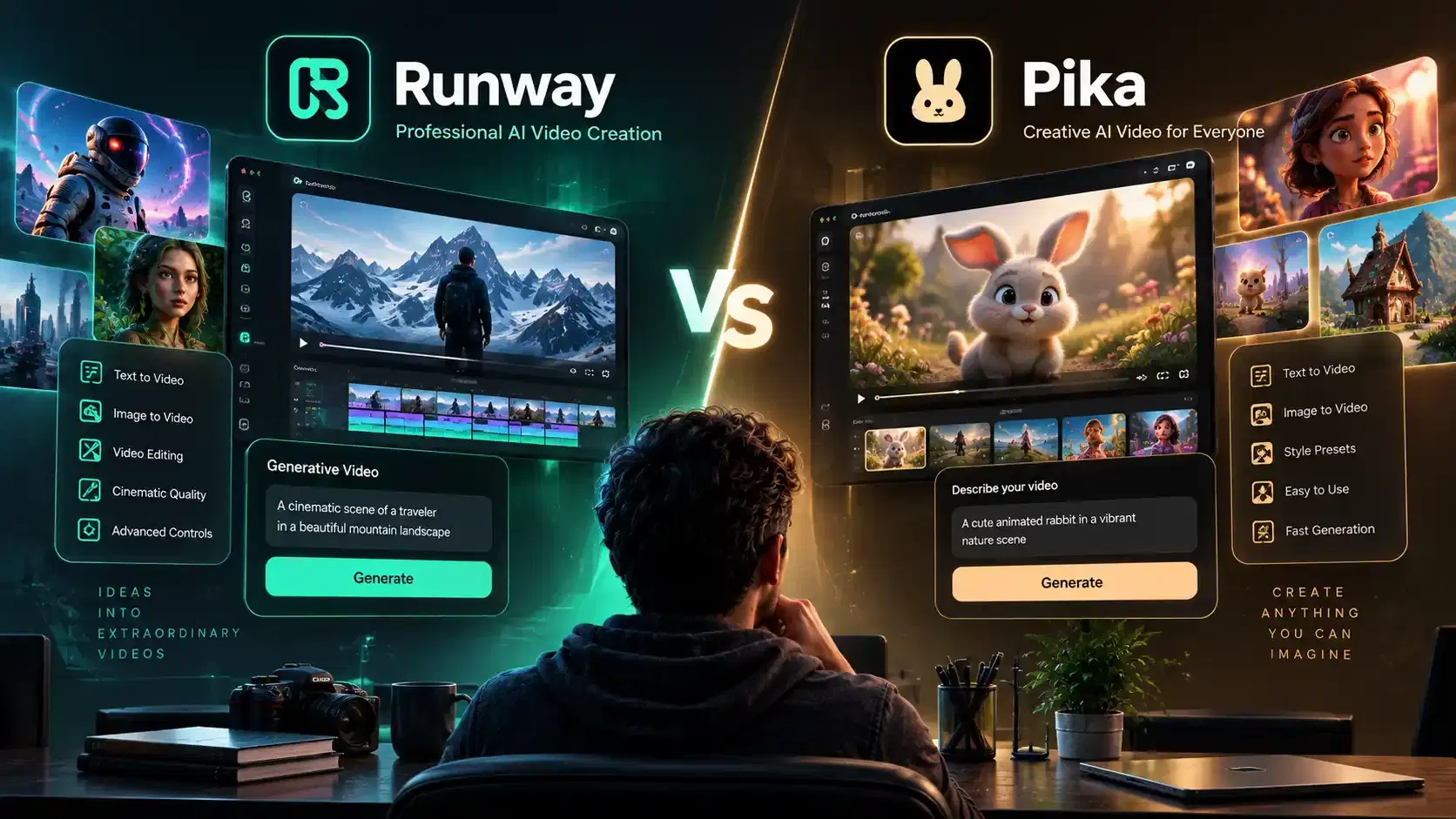
Runway wins if you want cinematic quality and fine control over your shots. Pika wins if you want speed and a lower price. AITube, however, is all in one platform alternative to Pika and Runaway, constituting the characteristics of both.
Generative AI video has evolved into standard tools for Hollywood pre-visualization, commercial advertising, and viral social media production. Two powerhouses dominate the creator space:
Runway and Pika.
While both tools generate high-definition video from text prompts and static images, they cater to fundamentally different philosophies. Runway is a production-grade AI video platform built for creators who want realistic videos with cinematic consistency and 4k video exports. Pika, on the other hand, is an agile AI video generator designed to make fun, fast, and creative videos for social media with easy sound effects and fun motion tricks.
However, paying for monthly subscription credits is not the only way to build a video presence. AITube is a third option worth knowing about. It allows creators to generate, publish, and monetize AI video content in one platform without high software subscription costs.
What Pika and Runway Actually are.
Runway and Pika are both AI video generators. They generate video using specialized generative AI models that convert texts-to-videos, images-to-videos, and videos-to-videos. Instead of using traditional camera footage or frame-by-frame animation, these AI systems start with a canvas of random digital noise and progressively "clean" it into recognizable images, calculating frame-by-frame how objects, light, and motion should evolve naturally over time.
According to Vivideo, monthly active users across AI video platforms have surpassed 124 million as of January 2026. Additionally, Fortune Business Insights highlights the global AI video generator market is projected to reach $847 million in 2026, up from $716.8 million in 2025.
Runway and its Features
Runway (developed by Runway AI, Inc.) is an Ai video generator platform built for filmmakers, video editors, and visual effects (VFX) artists. Rather than focusing on casual social media filters, it offers studio-grade tools to generate, modify, and compose cinematic video clips using text, images, or real video inputs.
Its most prominent, but not the only, features are as follows.
Runway Aleph: Aleph is an in-context video model that lets you alter existing video using text prompts. You can swap out objects, re-light a scene, change the time of day, or replace backgrounds without manual masking.
Act-Two: Act-Two is a motion capture tool that allows you to drive an AI-generated character using real human actor footage. It transfers exact facial expressions, head movements, and eye gestures onto digital subjects.
Multi-motion Control: This feature can help creator keep a character’s face, clothing, and features consistent across multiple shots. It also enables creators to paint over up to five isolated areas of a static image, directing localized motion (like flowing water or burning smoke) while keeping the rest of the frame frozen. It also allows users to set specific camera movements, such as pan, tilt, zoom, dolly, and roll, using precise Cartesian vectors to prevent random camera drift.
Pika and its Features
Pika, developed by Pika Labs, is an AI video platform designed for rapid social media creation, agile video-to-video editing, and creative effects. Rather than focusing purely on movie-like studio production, Pika prioritizes speed, viral motion presets, and playful transformations.
Its key features include
Pikaffects Pikaffects is a suite of one-click visual effect presets that apply dynamic physical transformations to images or videos, including melt, inflate, explode, squish, etc.
Pikaframes: Pikaframe is an image-to-video tool that lets you upload a starting and an ending image and automatically generates the smooth motion sequence.
Pikaswaps : It is a video-to-video inpainting tool that allows you to brush over an object or person in an existing clip and swap it with something else using a text description.
Pikadditions: Pikadditon is a video-to-video feature that lets you insert new elements, such as a new character, into an existing video while preserving the original video settings.
Pikatwists: Pikatwists is a video-to-video modifier that changes the specific action or movement of a character or object in a clip without altering the overall environment.
Pikaformances: This feature generates realistic facial expressions and synchronizes lip movements on an AI character to match audio tracks or voiceovers.
Being a creator, all you have to do is to type a description, or upload an image, and the tool turns it into a video clip. However it is necessary to do a thorough comparison between both to find out what can work best for you. Also, what other alternatives are available that can cover the lags of both.
Head to Head Comparison of Pika vs Runway
Here is how the two tools stack up on the five things that matter most.
Video Quality and Realism
Runway produces more realistic, cinematic footage. Its top models, Gen-3 to Gen-4.5, is built for filmmakers who need believable motion and consistent characters across a scene. The platform generates videos upto 3840 × 2160 resolution with optional 4K upscaling. Lighting, shadows, and physical interactions look natural.
Pika videos look fun and stylized, but they are often less realistic. Pika shines with creative effects rather than photorealism. It generates videos up to 10 seconds long at up to 1080p resolution, featuring unique creative effects like melting, exploding, and inflating objects.
For Example, if you prompt "a camera panning across a rainy street reflecting neon signs," Runway renders realistic water droplets and accurate light reflections. Pika renders a vibrant, colorful video, but complex water physics may look stylized or slightly distorted.
Thus, Social media creators rely on Pika for short-form platforms like TikTok, Instagram Reels, and YouTube Shorts, and for a polished, movie-like shot, Runway holds a clear technical edge.
Video Speed: Generation & Iteration
Pika is significantly faster. Most Pika clips render in 30 to 90 seconds, making it ideal for rapid testing and visual brainstorming. Operating through a web application with an intuitive interface, Pika’s Turbo model generates 3-second clips in 20 to 40 seconds, approximately 2x to 3x faster than previous generation models.
Runway usually takes longer, especially at higher quality settings. Runway Gen-3 and Gen-4 models generate 5-second clips in 45 to 90 seconds, with longer high-resolution renders taking up to several minutes.
Pika is roughly 3x to 6x faster than heavy production platforms like Runway.
Social Media Compatibility
Pika produces output optimized for mobile viewing. Its outputs are filled with vibrant colors, smooth motion, and strong visual impact on smartphone screens. For fast-scrolling platforms like TikTok and Instagram Reels, small texture details matter less than eye-catching action.
Runway, on the other hand, produces higher-fidelity output built for large screens. It delivers enhanced visual nuance, fine texture detail, realistic lighting shifts, and shallow depth-of-field effects. This quality advantage is essential for client presentations, broadcast commercials, and big-screen viewing.
Price and Credits
Both tools use credit systems where you pay a monthly fee, and each video generation consumes credits based on duration and quality settings. Pika is the cheaper option to start, while Runway costs more but includes advanced post-production tools.
Runway Pricing Tiers:
Per August 2026, fiver standard tiers are available for Runway users. Teir 1 is free with limited options of video generation and editing. It Includes 125 one-time credits upon sign-up (does not renew monthly). Includes Gen-4 Turbo image-to-video, Gen-4 text-to-image, 3 editor projects, and 5GB storage. Videos carry watermarks. Other tiers offer different features in different prize range. Typical price boxes for creators are given below.
Pika Pricing Tiers:
Sourced from Pika Official Pricing, 2026, Pika allows creators to pay weekly, monthly, or yearly if they want to upgrade from a free tier. Comparing with the monthly rates of Runway, the monthly subscription pricing of Pika are calculated differently. There paid tiers are available here: Standard, Pro, and Fancy the pricing of which are given below.
Keeping other things constant for a while, Runway’s pro model offer 2250 credits at 28 USD (discounted rated per August 2026) a month, and Pika pro model offer 2300 credits at the rate of 35USD per month. It means Runway is selling 80 credits/USD and Pika is selling 65 credit/USD. But is is not as simple as it seems. The number of credits required to generate a video differ in both platforms. So, creator must go for the subscription plan based on the features they are providing per their need.
Note: Always check the current credit costs on each company's site, as credit costs change based on updated models and resolution settings.
Ease of Use for Beginners vs Skilled Creators
Pika is easier for total beginners. Its simplified interface reduces the learning curve to minutes. Pika Labs feels more like playing with creative ideas than editing software. Beginners can generate eye-catching content using click-and-apply "Pikaffects" (such as melt, explode, or inflate) without technical video knowledge. The $8 per month starting price also lowers financial risk for newcomers.
Runway is built for skilled creators. Runway offers layered controls, precise camera movement vectors, and deep toolsets. Experienced editors appreciate Runway’s integration with professional non-linear editing workflows (such as Adobe Premiere Pro and DaVinci Resolve compatibility), which allows creators to scale from beginner concepts to professional film production on one platform.
Editing Tools After Video Generation
Runway includes a full post-production suite. Beyond text-to-video generation, Runway functions as a complete video editing application with motion tracking, green-screen background removal, multi-layer timeline composition, and Motion Brush masking tools.
Pika focuses strictly on the generation step. It provides targeted post-generation tools like scene extension, frame expanding, and "Modify Region" object swapping, but it is not designed to replace a full video editing editor.
Comparison Summary Of Runway and Pika
Feature / Metric | Runway | Pika |
|---|---|---|
Best For | Professional filmmakers, studio VFX, and cinematic video production | Social media creators, animators, and rapid concept testing |
Max Output Resolution | Up to 3840 × 2160 with optional 4K upscaling | Up to 1080p |
Generation Speed | Moderate — ~45–90 seconds for 5-second clips | Ultra-fast — ~20–40 seconds for 3-second clips |
Pricing Entry Point | Free plan with 125 one-time credits; paid plans from $12–$95/month | Free plan with 80 recurring monthly credits; paid plans from $8–$76/month |
Editing Capabilities | Full video-editor timeline, Motion Brush, and background removal | Modify Region inpainting, object swapping, and scene extension |
Signature Features | Precise camera paths, Act-Two performance capture, and depth-of-field controls | Pikaffects (Melt, Explode, Inflate) and native lip-sync |
Key Takeaways
Why Choose Runway | Why Choose Pika |
|---|---|
Choose Runway if your goal is film-grade production value. Its studio-focused tools offer realistic physics, precise camera trajectory controls, multi-shot character continuity, and 4K upscaling. It’s particularly well suited to commercial filmmakers, VFX artists, and agencies producing client-ready work. | Choose Pika if your priority is speed, viral social content, and affordability. Its fast rendering, one-click motion effects such as Melt and Inflate, built-in lip-sync, and beginner-friendly interface make it a strong choice for TikTok creators, animators, and rapid concept testing. |
The Hybrid Strategy
Many digital creators use both tools together, using Pika to quickly test visual concepts in seconds, then taking the best prompts into Runway to render final, cinematic shots.
Runway wins on quality and editing power.
Pika wins on speed and starting price.
Some creators pay for both, using Pika to test and Runway to finish.
Check live pricing before you commit, since both platforms update often.
This is a smart way to work if your budget allows it. But it also means paying for two subscriptions, which is not realistic for every creator.
The Free Ecosystem Option: AITube
If you are fed up of generating video through platforms that can be pocket heavy to upload them to another platform to get your content publicized, acknowledged, and monetized, AITube provides a free alternative that is not only free to start but also does more than just generate video. It enables you publish your clips, and monetize your content on one platform. You do not need a separate app to share your work or find viewers.
AITube also gives creators a way to earn from what they make. Neither Runway nor Pika offers this. You can generate AI video for free and see how your first clip looks before spending anything.
Want to know how the earning side works? Read about how creators earn on AITube to see what is possible once you start publishing. If you like to compete and show off your skills, AITube also runs Prompt Battles, where creators go head to head with their best prompts. There is also the AI Shorts Studio, built for fast, short form video creation.
Runway and Pika are both solid choices, and the right pick depends on your budget and your goals. But if you want to create, publish, and grow an audience without paying for multiple tools, AITube is worth trying first.