Justuju · AITube's video-edit engine
JustujuChange anything in a clip. Keep the motion.
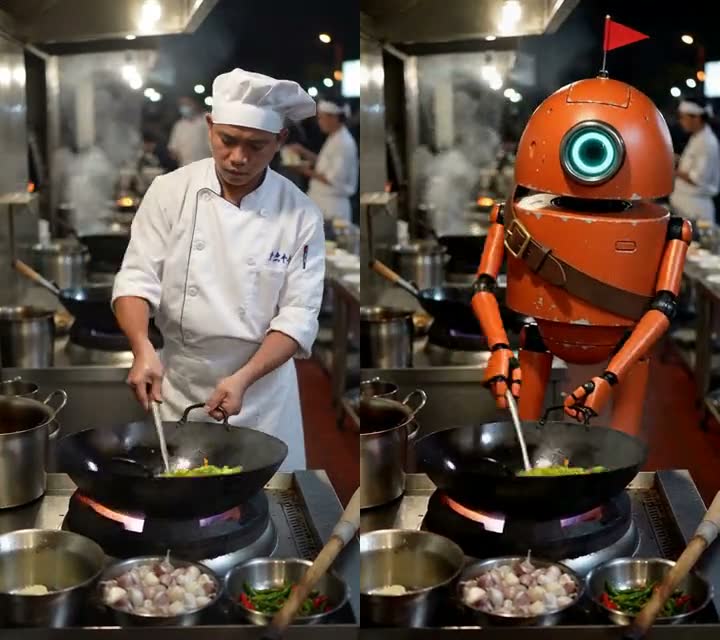
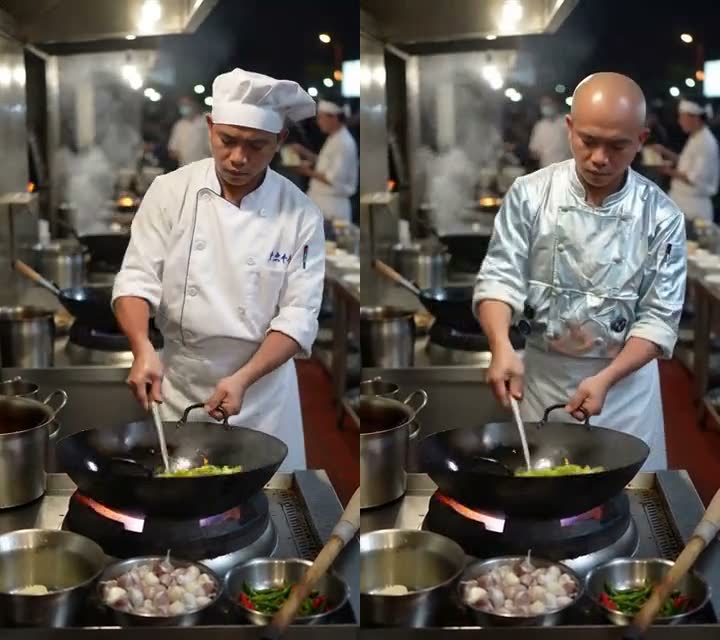
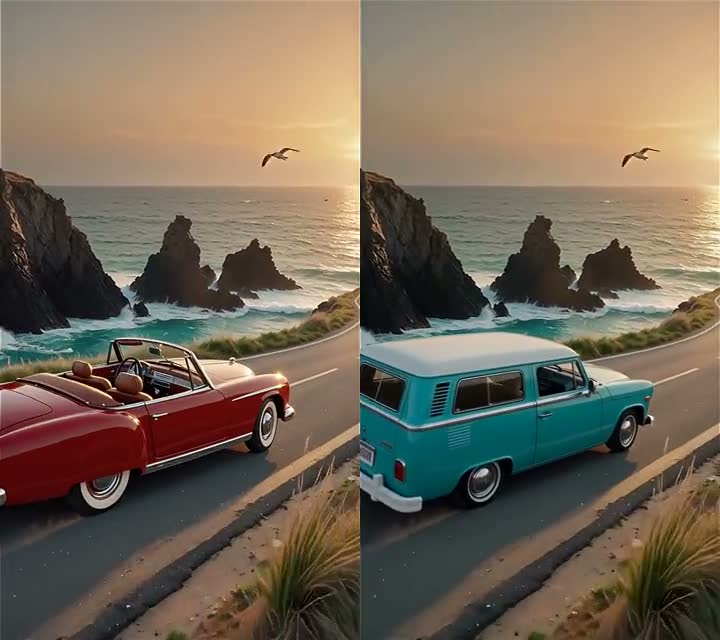
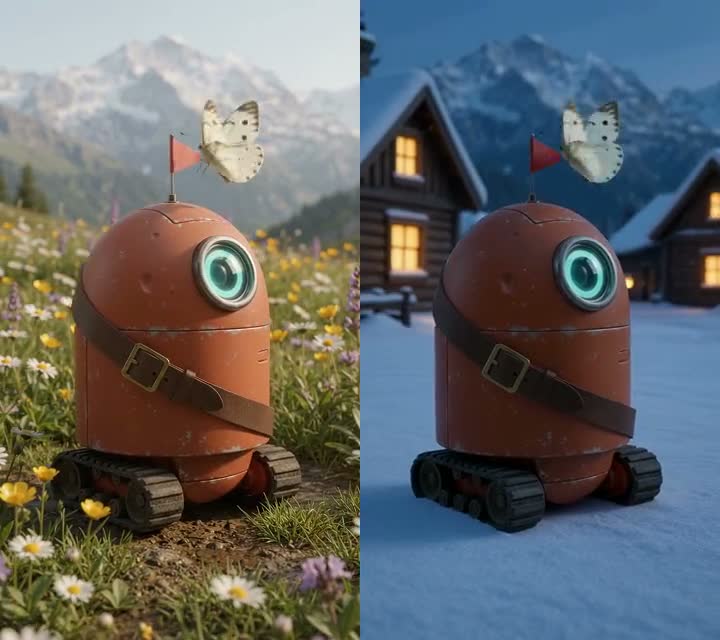
Give Justuju one clip and say what to change. Swap the person for your character, change the outfit, replace a product, move the scene somewhere new, restyle it as claymation or anime, or have your character copy every move. The camera, the timing and the motion stay; the price is on the button before you start.
- Ways to edit
- 7
- Styles
- 24
- Clips up to
- 30 s
- Credits per 5 s, from
- 17
BeforeAfter
Made on AITube
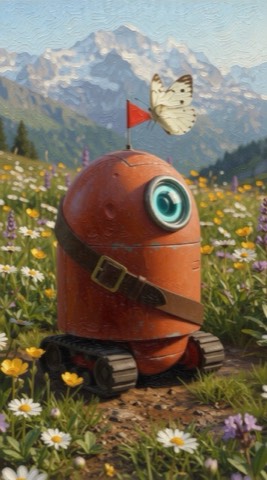
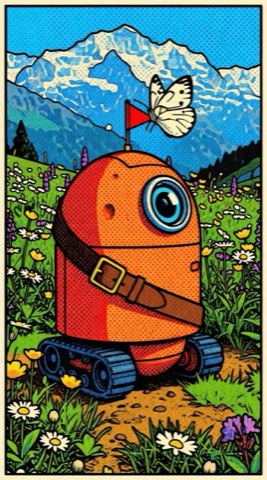
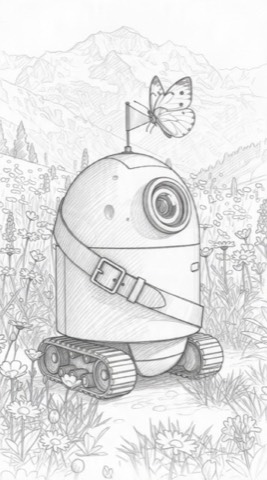
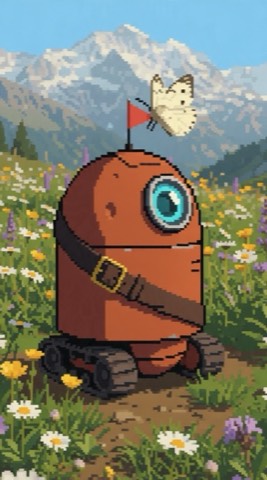
Seven ways to edit, real results.
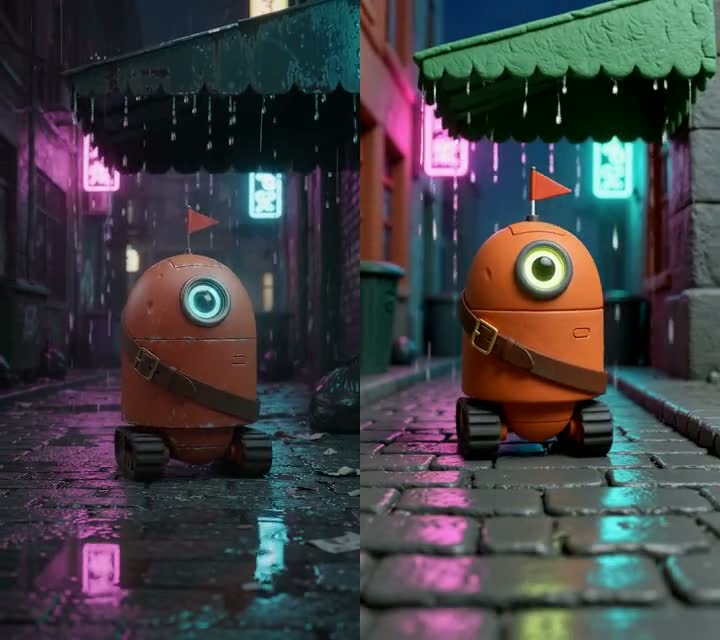
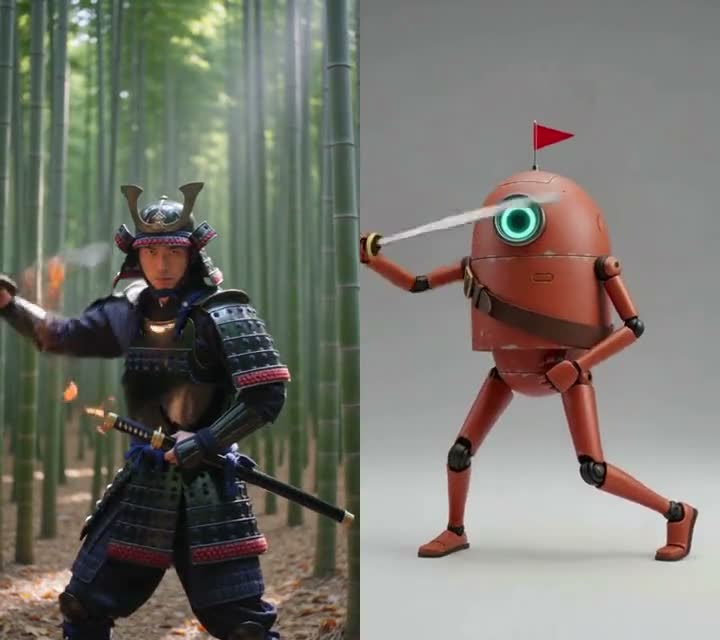
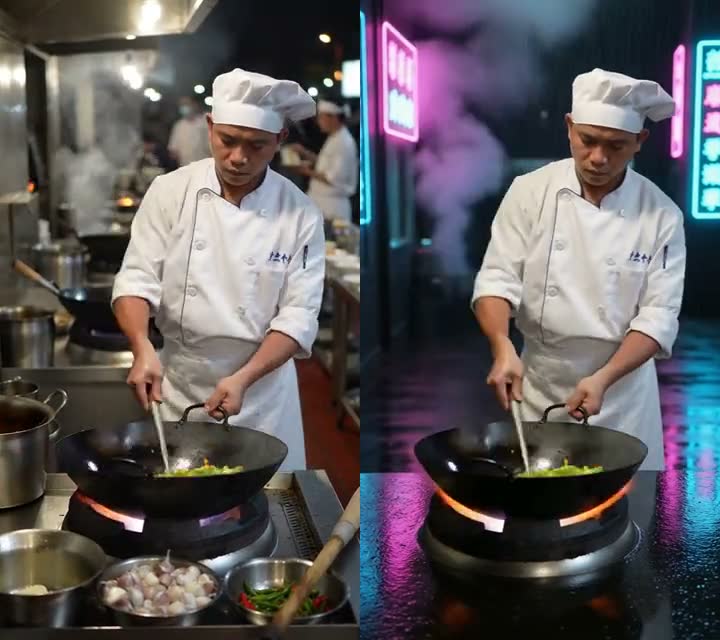
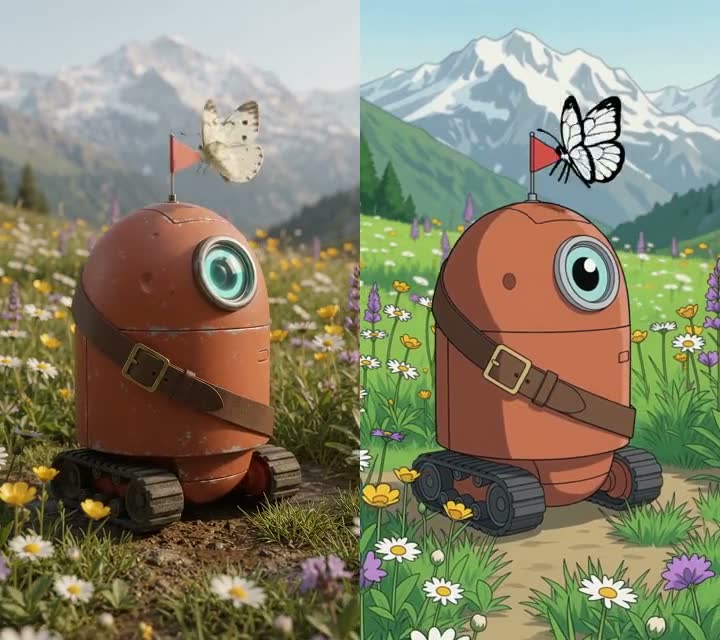
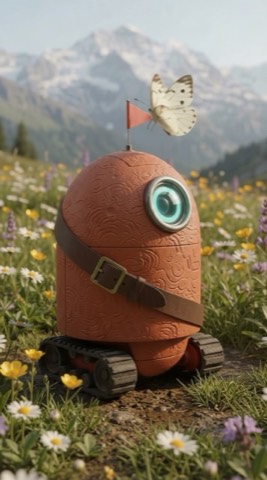
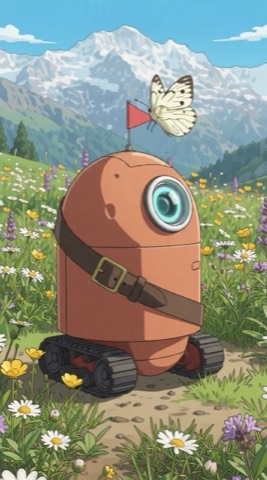
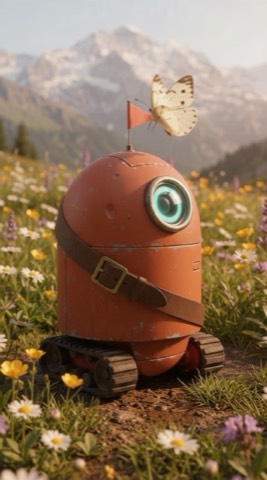
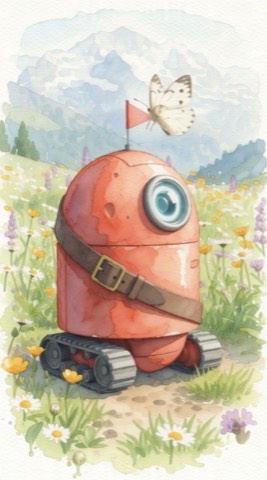
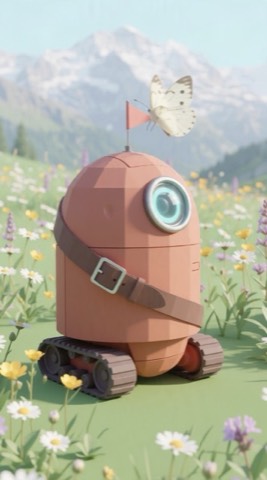
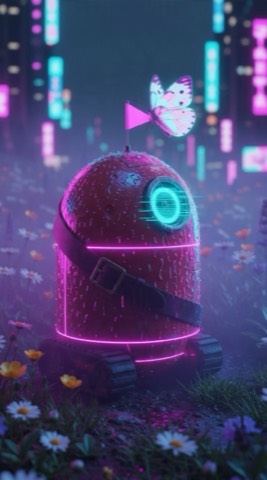
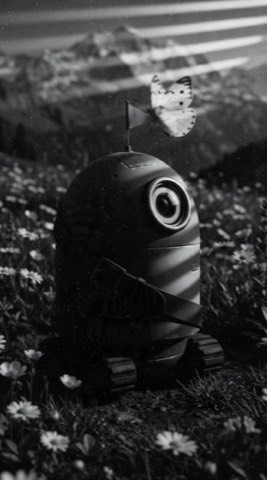
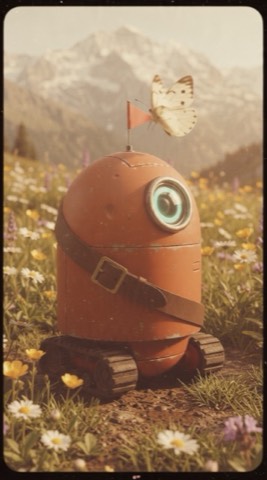
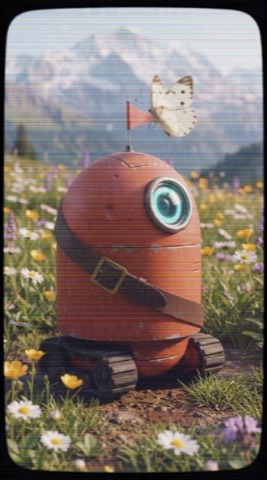
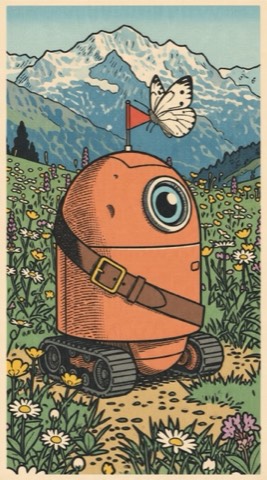
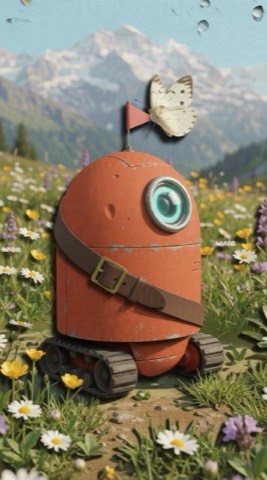
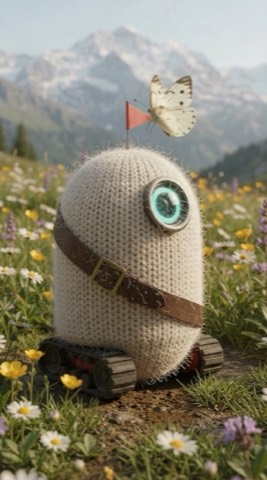
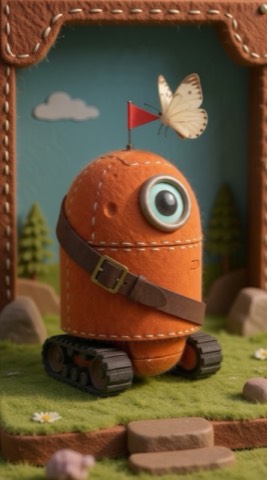
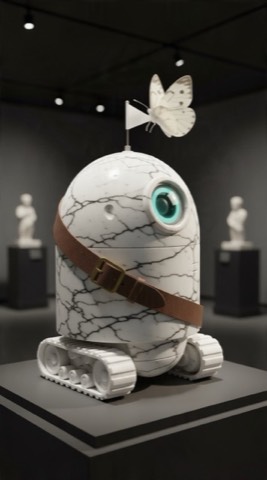
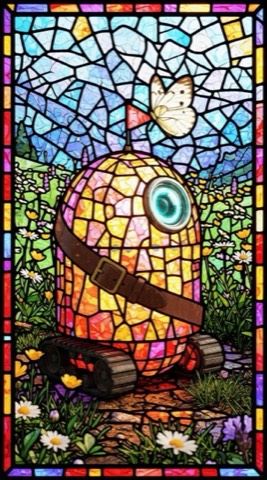
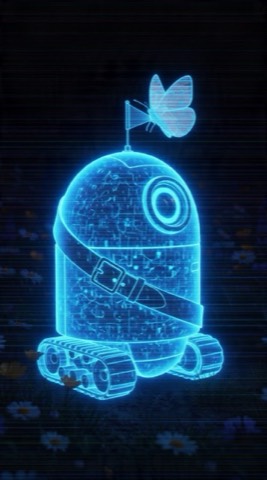
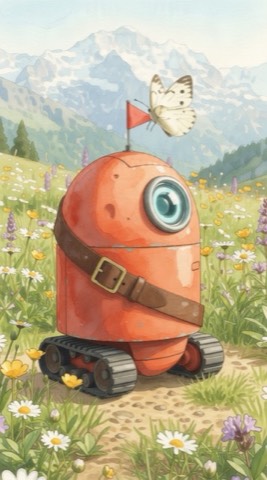
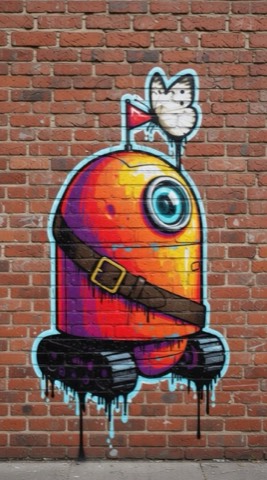
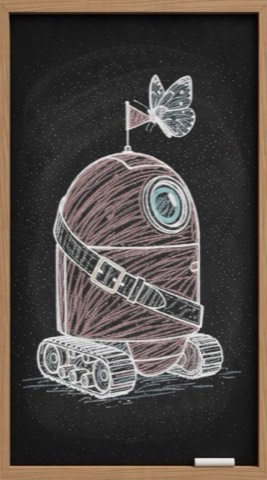
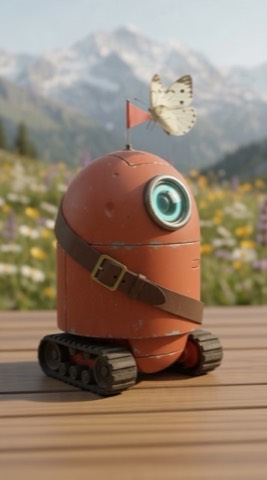
How it works
Four steps, one clip.
- 01
Pick a clip
Upload one, or pick one of your AITube videos or Create takes. Longer clips can be trimmed.
- 02
Say what to change
Choose a mode, add your character or product from Characters & products, and describe it or pick a style.
- 03
See the price, start
Auto, Justuju Lite or Justuju. The credits are on the button and only charged if the edit finishes.
- 04
Post it, or edit again
Download it, post it to your channel, share it with Share & earn, or run Justuju on the result.
Prices
Credits per clip, before you start.
| Mode | Justuju Lite, 5 s | Justuju, 5 s | Justuju, 10 s |
|---|---|---|---|
| Swap the character | 17 credits · 480p | 34 credits · 768p | 67 credits |
| Swap the outfit | 26 credits · 480p | 86 credits · 720p | 169 credits |
| Swap a product or object | 26 credits · 480p | 86 credits · 720p | 169 credits |
| Change the location | 26 credits · 480p | 86 credits · 720p | 169 credits |
| Restyle | 26 credits · 480p | 86 credits · 720p | 169 credits |
| Copy the motion | 48 credits · 720p | 82 credits · 1080p | 161 credits |
| Anything else | 26 credits · 480p | 86 credits · 720p | 169 credits |
Live prices. Your exact price depends on your clip's length and is shown on the button. Credits are held when you start and given back if an edit fails or you cancel. Plans and credit packs
Your clips, your rights
Fair to people, fair to creators.
Only clips you may edit
Your own uploads and videos, AITube trend templates, or a creator's video they opened for remixes.
Real faces need permission
Yourself, or someone who agreed. No public figures and no one under 18, in photos or in clips.
Creators get paid
Remixing another creator's video takes a Creative Reuse licence, and its fee goes to them.
Paid only when it works
No charge for a failed or cancelled edit. Your original clip is never changed.
Questions
Before you start, in short answers.
What is Justuju?
Justuju is AITube's video-edit engine. You give it one clip and say what to change: the person, the outfit, a product, the place or the whole look, or let your own character copy the clip's motion. Auto picks the best video-edit model that can take your clip, and the price is on the button before you start.
How long can my clip be?
Justuju takes clips of 3 to 30 seconds, and Justuju Lite up to 15 seconds. Longer clips can be trimmed on the page. Uploads can be MP4, MOV or WebM, up to 300 MB.
How much does Justuju cost?
You pay in credits for each second of video, and the page shows the exact number before you start. Today a 5-second restyle is 26 credits on Justuju Lite and 86 on Justuju. Credits are held when you start and charged only if the edit finishes; a failed or cancelled edit gives them back. There are no free edits, but credits you earned on AITube count.
Does it keep my clip's sound?
Justuju Lite, character swaps and motion copies keep the original sound. Outfit, object, location, restyle and free-form edits on Justuju come back without it, and the page says so before you start. Add music or a voice afterwards with Finish.
Can I edit someone else's video?
Only when its creator allows remixes (Creative Reuse). You buy a Creative Reuse licence and the fee goes to that creator; one licence covers one published video and is only used when you publish. Your own videos, your own uploads and AITube trend templates need no licence.
Can I put a real person in a video?
Only yourself, or someone who gave you permission: you tick a box saying so, or save them in Characters & products with the same permission. Justuju refuses recognisable public figures and anyone who looks under 18, in your photos and in the clip.
Where does my edit go?
It's saved to your drafts next to the original, which never changes. From there you can download it, post it to your channel, or share it with Share & earn.
Is Justuju your own AI model?
No. Justuju is AITube's editing engine around leading video-edit models: it prepares and checks your clip, picks the model for the job, retries or switches if one fails, and only charges for a finished edit.
Want to make a video from scratch instead? Create makes one from words or a picture.
One clip. Endless versions.
Pick a clip, say what to change, and see the price before you start.