Introduction
A good video is more than a collection of clips. It needs a clear story, smooth pacing, understandable audio, and visuals that keep viewers interested.
For many creators, the hardest part is not recording the footage. It is turning hours of recordings into a finished video that people actually want to watch.
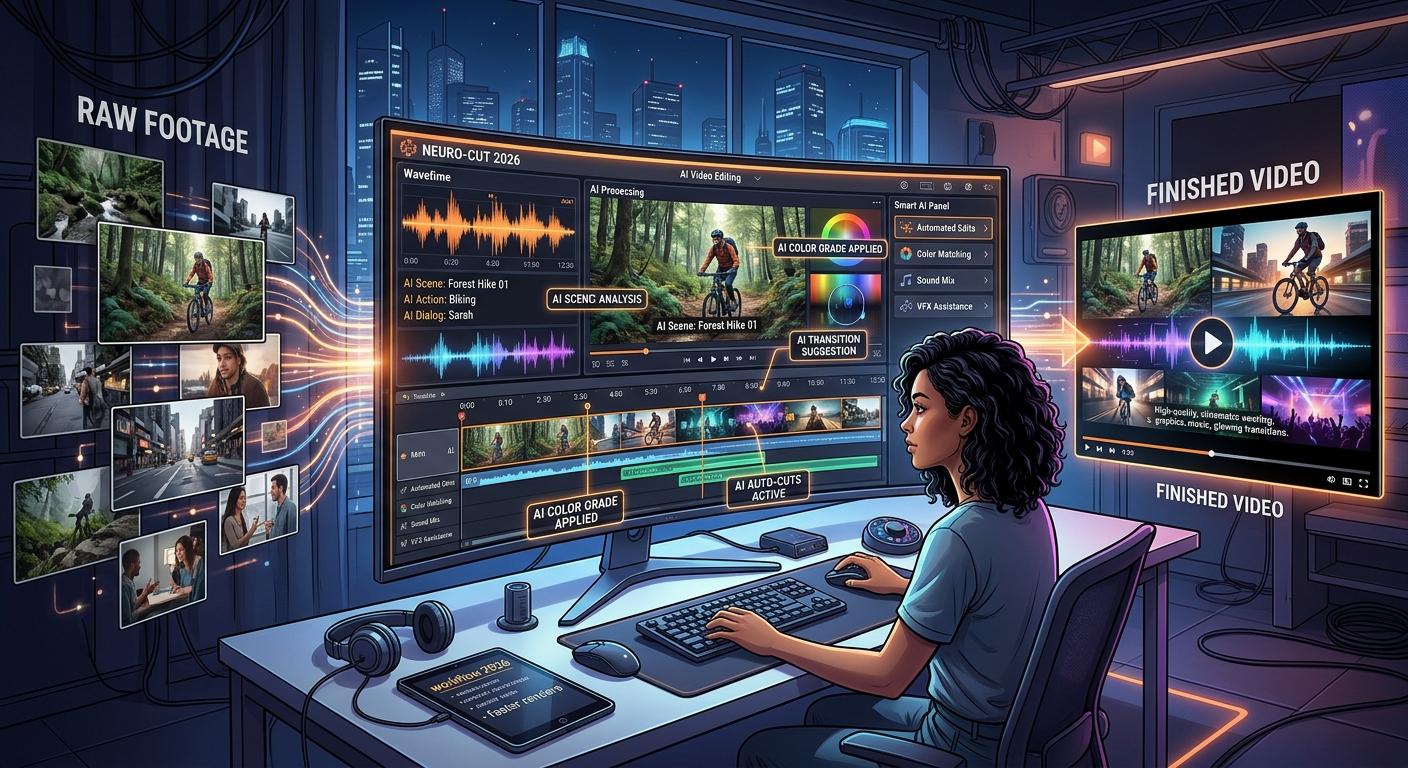
AI video editing is helping creators approach this challenge differently. Instead of performing every repetitive task manually, they can use AI-assisted tools to organize footage, identify useful moments, generate subtitles, improve audio, and prepare content for different platforms.
However, automation alone does not guarantee a great video. The most effective workflow combines AI assistance with human creativity and careful editing decisions.
This guide explains how to build a practical AI video editing workflow, improve video quality, repurpose existing content, and use platforms such as AITube as part of your content creation process.
1. Start With the Story, Not the Editing Software
Before opening an editor, decide what the video should communicate.
A common mistake is to start cutting clips without knowing what the final video needs to achieve. This can lead to unnecessary footage, confusing transitions, and a video that takes too long to reach the main point.
Start by answering three questions:
Who is the video for?
What should viewers learn, understand, or feel?
What is the most important moment or message?
For example, imagine you recorded a 40-minute tutorial explaining how to use a software feature. Your goal might be to create a six-minute tutorial that teaches the essential steps without unnecessary repetition.
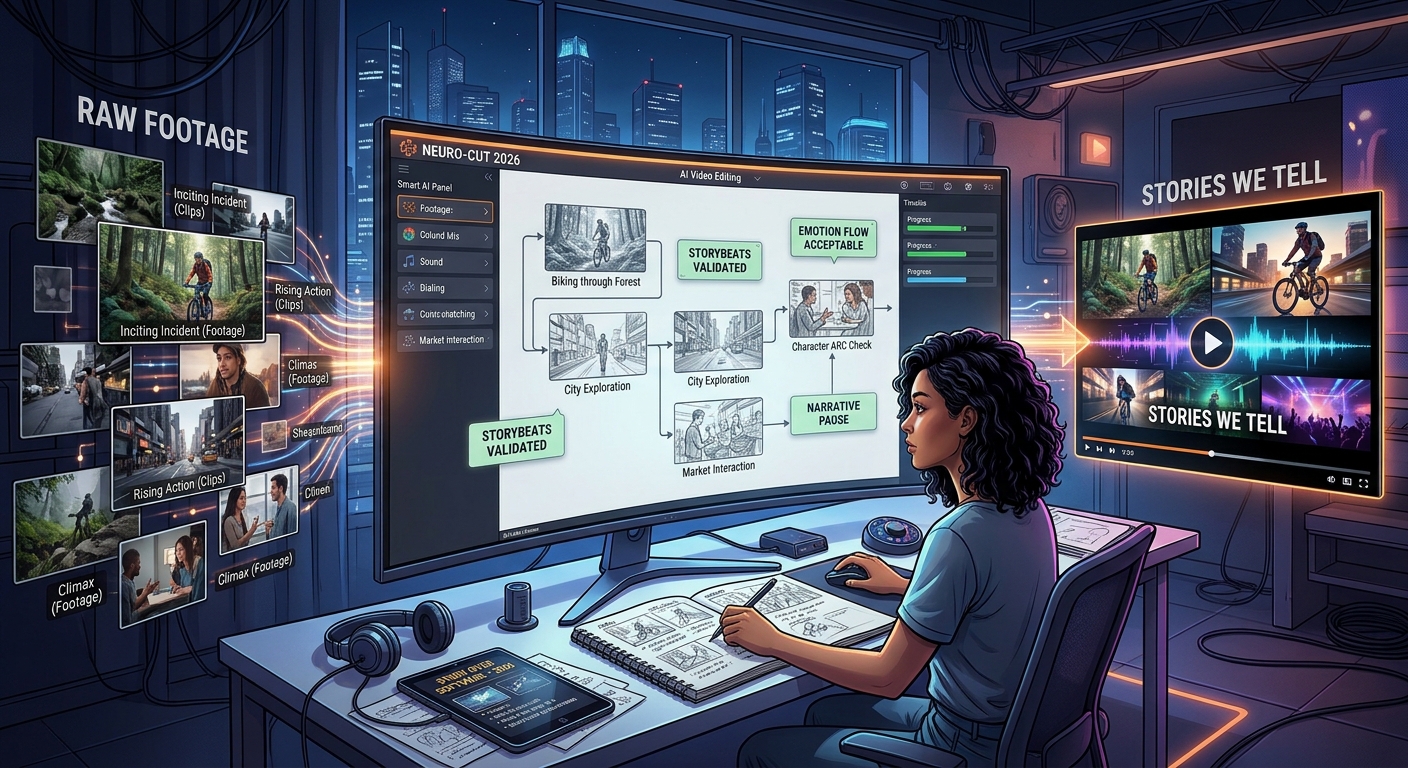
You can organize the footage into an introduction, the main demonstration, supporting examples, and a conclusion.
AI tools can assist with transcription, summarization, and identifying relevant sections when those capabilities are available. You should still review the selected material to make sure the final story makes sense.
The principle is simple: decide what belongs in the video before spending time polishing individual clips.
2. Use AI to Organize Long Recordings
Long recordings can contain valuable information hidden between pauses, repeated explanations, and unrelated conversations.
Manually reviewing every minute can be time-consuming, particularly for podcasters, educators, interviewers, and YouTube creators.
AI-assisted analysis can help make the initial review more efficient.
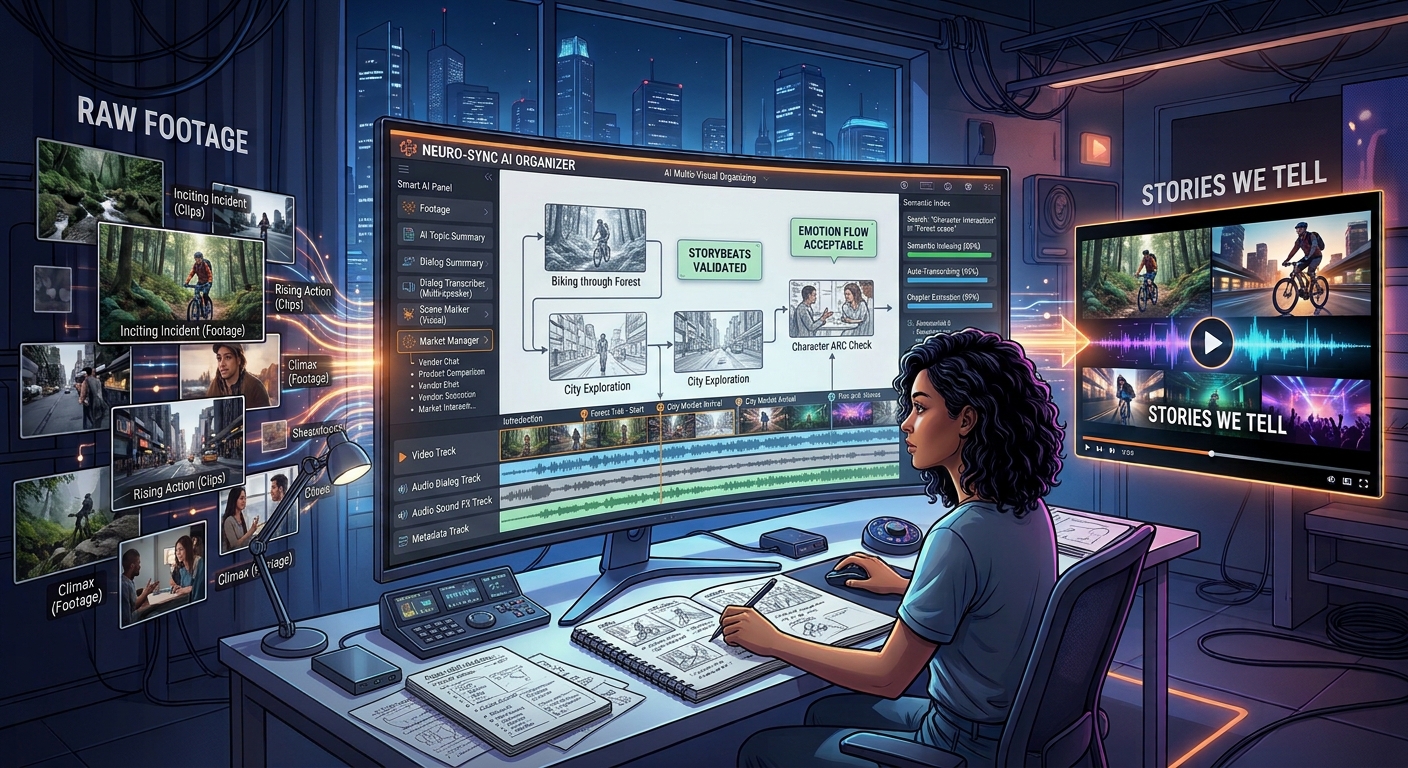
Depending on the editor, useful capabilities may include:
Automatic transcription of spoken content.
Searchable transcripts.
Detection of pauses and silent sections.
Identification of scene changes.
Speaker identification.
Suggestions for relevant highlights.
For example, a creator who records a one-hour interview could use a transcript to locate the sections discussing a particular subject. Those sections can then be reviewed and assembled into a shorter video.
This approach is especially useful when the recording contains several topics.
However, avoid removing every pause automatically. Short pauses can make speech sound natural, while cutting too aggressively may damage the rhythm of a conversation.
Always listen to the edited version to check that sentences remain complete and the original meaning is preserved.
3. Turn Long Videos Into Short-Form Content
One recording can often support multiple pieces of content.
A webinar, podcast, product demonstration, interview, or educational lesson may contain several useful ideas that can stand alone as short videos.
Instead of publishing the full recording only once, you can identify individual topics and adapt them for different audiences.
A practical content repurposing workflow
Step 1: Find the strongest moments.
Look for useful explanations, surprising insights, clear demonstrations, or questions that your audience frequently asks.
Step 2: Give each clip one purpose.
A short video should communicate one main idea rather than attempting to summarize the entire original recording.
Step 3: Rewrite the opening.
Long-form videos often take time to introduce a topic. A short clip may need a more direct opening that immediately explains why the subject matters.
Step 4: Adjust the framing.
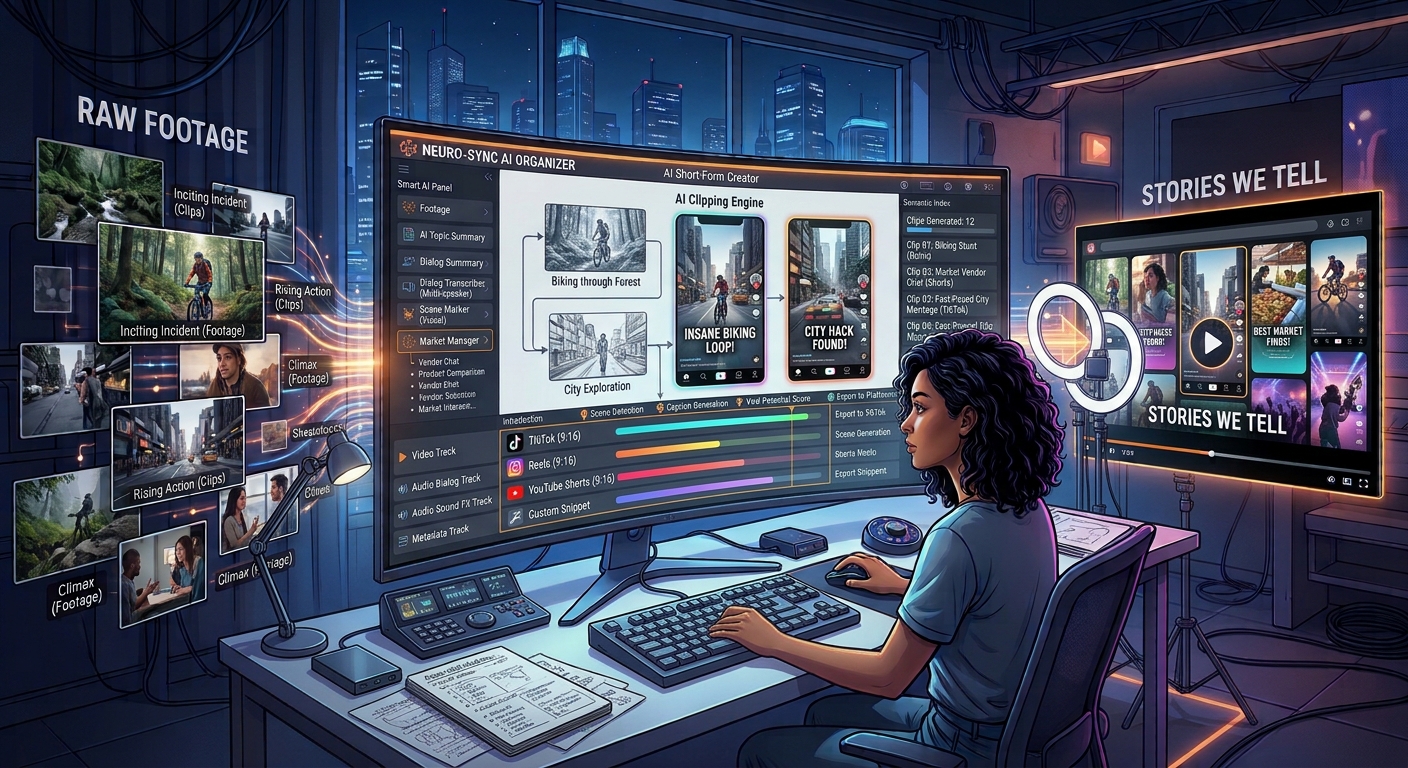
Landscape footage may need reframing for vertical platforms. Keep the speaker, product, or other important visual elements within the visible area.
Step 5: Add captions and supporting visuals.
Use readable subtitles and relevant visual elements where they improve understanding.
Step 6: Review the final clip.
Check that it has a clear beginning, complete context, and a meaningful ending.
For example, one software tutorial might become a short troubleshooting tip, a feature demonstration, and a quick beginner guide.
The important point is to create genuinely useful variations, not simply upload the same footage repeatedly with different titles.
4. Improve Subtitles Without Making Videos Look Cluttered
Subtitles help viewers follow spoken content, particularly when they are watching in environments where audio is inconvenient.
AI speech recognition can generate captions quickly, but automatic transcription is not always accurate.
Product names, technical terms, accents, and background noise can cause errors. Even a small mistake may change the meaning of an important statement.
Use the following workflow to improve captions:
Generate an initial transcript using a supported tool.
Correct spelling, names, and technical terminology.
Check punctuation and sentence breaks.
Keep captions readable on mobile screens.
Make sure captions remain synchronized with speech.
Verify that important on-screen content is not hidden.
Avoid placing too many words on the screen at once. Captions should support the video rather than compete with it.
For social media content, you may choose to emphasize a few important words visually, but excessive animations can distract viewers from the message.
Also consider accessibility. Accurate captions help people who are deaf or hard of hearing and can make videos easier to follow in many viewing situations.
5. Make Audio Quality Part of Your AI Editing Workflow
Viewers may tolerate simple visuals, but poor audio can make a video difficult to understand.
AI audio tools can help with tasks such as reducing background noise, improving speech clarity, adjusting volume, and separating certain audio elements.
However, audio enhancement should be used carefully.
Excessive noise reduction can make voices sound artificial. Aggressive volume adjustments can introduce distortion, and automatic processing may affect music or sound effects in unwanted ways.
A practical audio workflow includes:
Remove distracting background sounds where possible.
Balance speech volume between different speakers.
Keep background music below the narration.
Check transitions for sudden changes in loudness.
Listen to the final export using headphones or suitable speakers.
If the original recording contains severe distortion or missing audio, an AI tool may not be able to restore the information accurately.
Whenever possible, record clean audio at the beginning. Good source material generally makes the editing process easier.
6. Maintain Visual Consistency Across Every Scene
A video can contain excellent individual clips and still feel unprofessional when the scenes do not fit together.
Differences in lighting, color, framing, typography, and visual style can make the final result feel disconnected.
This matters particularly when combining footage from multiple recording sessions or using AI-generated visuals alongside real footage.
To improve consistency, establish a few simple rules before editing:
Color and lighting: Keep exposure and color treatment reasonably consistent across related scenes.
Typography: Use a consistent font style and caption treatment.
Branding: Apply logos, colors, and graphic elements in a controlled way.
Transitions: Use transitions that support the story instead of adding effects to every cut.
Visual references: When generating new supporting footage, use appropriate references to maintain the intended visual direction.
For a brand video, consistency can be more valuable than complicated effects. A clean, recognizable style helps viewers focus on the message.
AI-generated scenes should also be reviewed for changes in faces, product details, and background elements before they are combined with real footage.
7. Choose an AI Video Editor Based on Your Actual Workflow
Different creators have different editing needs. A tool that works well for a podcast may not be the best choice for a cinematic short film.
Before selecting an editor, identify the tasks that consume most of your time.
Creator type | Most useful editing priorities |
YouTube creators | Long-form editing, transcripts, captions |
Podcasters | Speaker detection, silence removal, audio cleanup |
Educators | Screen recordings, clear narration, readable captions |
Social media marketers | Vertical reframing, short clips, fast revisions |
Businesses | Brand consistency, team review, reusable templates |
AI video creators | AI-assisted creation, editing, and publishing |
Consider the complete workflow rather than focusing on one feature.
For example, automatic captions may save time, but they will not solve a problem caused by a confusing script. Similarly, automatic highlight detection can suggest useful moments, but it cannot always understand which moments matter most to your audience.
Test an editor with a real project before committing to a long-term plan. Measure how much time it saves and how much manual correction its output requires.
8. Where AITube Fits Into AI Video Creation and Editing
AITube is an AI-powered video platform that brings AI video creation and creator-focused publishing into one environment.
If you are exploring ways to build a video production workflow around AI, you can visit AITube to explore the platform and its available features.
A practical workflow could involve developing a video idea, preparing the content, using supported AI creation or editing capabilities, reviewing the result, and publishing the finished video.
AITube also has a platform comparison page that you can explore when evaluating your options.
When choosing how to organize your workflow, consider whether you need a dedicated professional editor, an AI-assisted creation platform, or a combination of tools.
For example, a creator might use one application for detailed timeline editing and another for AI video creation and publishing. The right combination depends on the project and the features available in each account.
Always confirm the current capabilities, export options, and usage limits before building a production process around a particular feature.
9. How to Evaluate Whether AI Editing Is Actually Saving Time
A tool can appear impressive during a demonstration but deliver limited value in a real production environment.
To evaluate an AI editing workflow, compare the full process before and after introducing automation.
Record the time spent on tasks such as footage review, transcription, clip selection, captions, audio adjustments, and final quality checks.
Then compare the results across similar projects.
For example, if automatic transcription reduces the time needed to locate relevant interview sections, that is a useful improvement. But if the generated transcript requires extensive correction, the actual time saving may be smaller than expected.
Consider these measurements:
Total time required to finish a video.
Number of manual corrections needed.
Percentage of AI-generated captions that require editing.
Time spent reviewing selected clips.
Cost per finished video.
Final video quality and audience response.
Do not evaluate the workflow only by how quickly the software generates a draft. Include the time needed to correct mistakes and prepare the final export.
The objective is to produce better content with less unnecessary work, not simply to automate as many steps as possible.
Conclusion
AI video editing can help creators turn raw recordings into more organized, engaging, and reusable content. From transcript-based editing and subtitle generation to audio cleanup and short-form repurposing, AI can reduce repetitive tasks and give creators more time to focus on storytelling.
The best results come from a clear editing plan, reliable source material, consistent visual choices, and careful review of the final video.
Start with one time-consuming task in your current workflow. Test whether AI can improve that step, measure the results, and expand only when the improvement is clear.
If you want to explore an AI-powered environment for video creation and publishing, visit AITube and see how its available features fit your content workflow.