Introduction
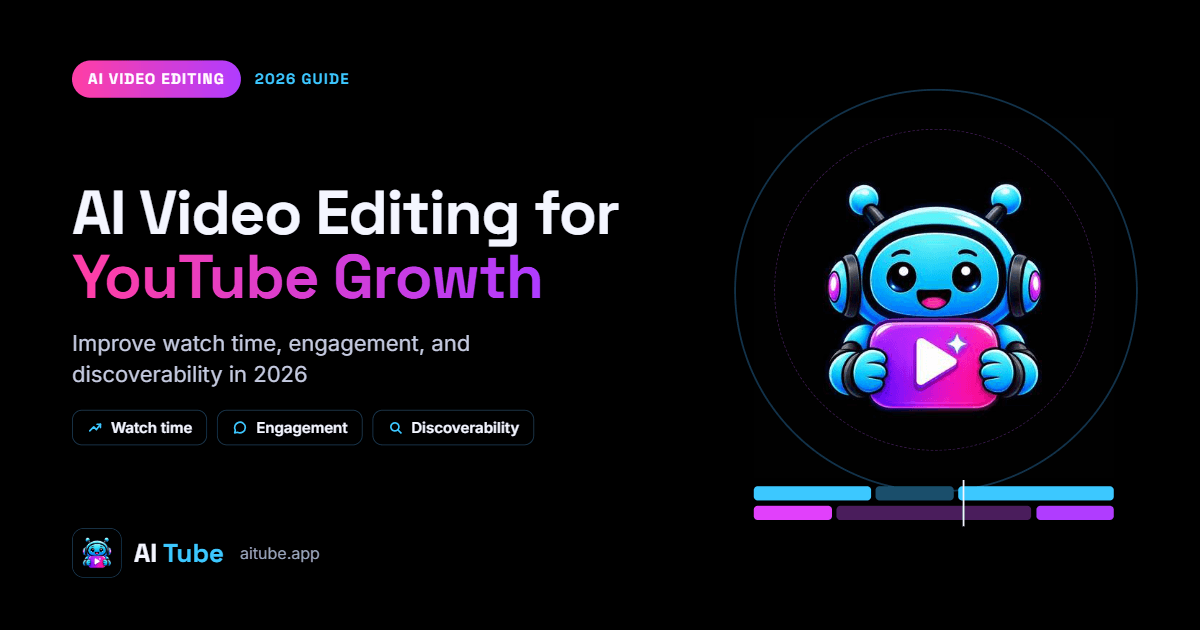
Publishing videos consistently is only one part of growing a YouTube channel. Creators also need to keep viewers interested, communicate ideas clearly, and help the right audience discover their content.
This is where AI video editing can become useful. Instead of spending hours on repetitive production tasks, creators can use AI-assisted tools to improve pacing, generate captions, prepare visual elements, and develop different versions of their content.
However, editing a video and growing a YouTube channel are two different challenges. A polished video may still struggle if its topic is unclear, its opening is too slow, or its title does not match what viewers want.
In this guide, we explore how creators can combine AI video editing with YouTube SEO, audience retention, accessible captions, and performance analysis to build a more effective content strategy.
1. How AI Video Editing Supports YouTube Growth
AI video editing can help creators spend less time on repetitive production work and more time improving the viewer experience.
Depending on the tool, AI-assisted features may include automatic transcription, caption generation, silence detection, scene selection, background removal, audio enhancement, and visual effects.
These capabilities can help creators improve the presentation of their videos, but they do not guarantee more views or subscribers.
A useful way to approach AI editing is to connect each editing task to a specific content goal.
For example:
Remove unnecessary pauses to improve pacing.
Add accurate captions to make spoken content easier to follow.
Use relevant supporting visuals to explain complex ideas.
Create shorter clips from longer videos to reach different audiences.
Review audience retention data to identify sections that need improvement.
The objective is not simply to make videos look more sophisticated. It is to make them clearer, more useful, and easier to watch.
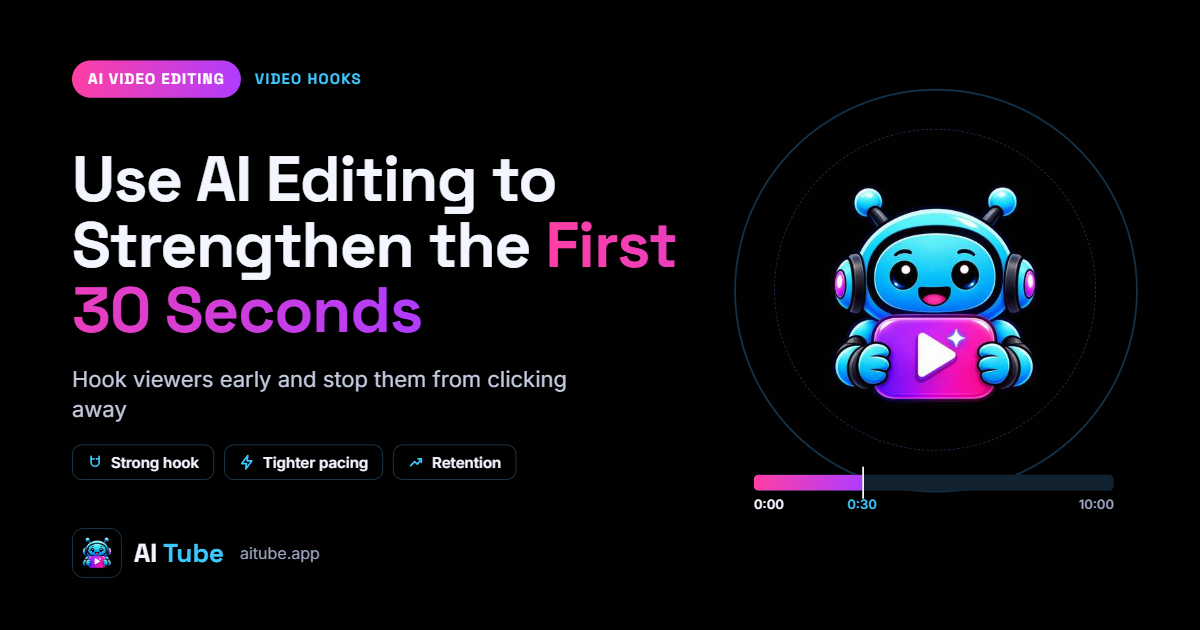
2. Use AI Editing to Strengthen the First 30 Seconds
The opening of a video establishes what viewers can expect. If the introduction is too long or does not match the promise made by the title and thumbnail, viewers may leave before reaching the main content.
AI-assisted editing can help creators remove unnecessary introductions, tighten explanations, and bring the most relevant information forward.
Consider a tutorial about improving website speed.
A weak opening might spend a minute introducing the creator before explaining the problem.
A stronger opening could immediately show the website performance issue, explain what the viewer will learn, and move into the first practical step.
To improve your opening:
Start with the problem, question, or result the video addresses.
Remove repeated explanations and unnecessary greetings.
Show relevant footage or examples early.
Make sure the introduction matches the title and thumbnail.
Avoid promises the video cannot fulfill.
YouTube provides audience retention reports that help creators understand how viewers respond to different parts of a video. Its official audience retention guide explains how to identify strong moments, dips, and sections that viewers rewatch.
Use this information to improve future edits rather than relying on assumptions about what viewers prefer.
3. Improve YouTube SEO With Better Video Structure
YouTube SEO involves helping the platform and potential viewers understand what a video covers. Editing contributes to this by making the content more organized and easier to follow.
For example, a tutorial with clear sections, relevant demonstrations, and a focused explanation provides a better viewing experience than a recording filled with repeated points and unrelated material.
Before editing, identify the main question the video answers. Then organize the content around the information viewers need.
Build a clear structure
For an educational video, a useful structure might include:
An introduction to the problem.
A brief explanation of the solution.
A step-by-step demonstration.
Examples or common mistakes.
A concise conclusion.
This structure can also help you identify which sections can be removed without damaging the video's meaning.
Match the video to its search intent
If someone searches for a tutorial, they usually expect practical instructions. If they search for a comparison, they expect meaningful differences between the options.
Your editing should support that expectation.
Avoid adding unrelated sections simply to increase video length. Focus on answering the viewer's question thoroughly and efficiently.
You should also use an accurate title, a relevant description, and an appropriate thumbnail. Editing quality alone does not replace these essential publishing elements.
4. Create Better Titles and Thumbnails With AI Assistance
Titles and thumbnails influence how people understand a video before watching it.
AI can help brainstorm title ideas, summarize a video's main benefit, and develop different thumbnail concepts. However, creators should review these suggestions to make sure they accurately represent the content.
Imagine a video explaining how to edit videos faster.
Possible title directions include:
How to Edit Videos Faster Without Losing Quality
5 Video Editing Mistakes That Waste Your Time
A Faster Video Editing Workflow for Creators
Each title emphasizes a slightly different angle. Choose the one that best matches the video's actual content and intended audience.
For thumbnails, focus on one main idea, readable text where appropriate, and a clear visual hierarchy.
Avoid overcrowding the design with multiple messages or making claims the video cannot support.
YouTube's official thumbnail and title guidance recommends clear, accurate titles and thumbnails that help viewers understand what to expect.
AI can accelerate brainstorming, but the final decision should be based on audience relevance and the video's real value.
5. Make Videos More Accessible With Accurate Captions
Captions can make spoken content easier to follow for viewers who watch without sound, people with hearing difficulties, and audiences who prefer reading along.
AI-powered transcription can speed up caption creation, especially for tutorials, interviews, educational videos, and product demonstrations.
However, automatically generated captions may contain incorrect words, punctuation errors, and mistakes involving names or technical terms.
A reliable workflow includes:
Generate captions using a supported transcription tool.
Correct errors in the transcript.
Check the timing against the spoken audio.
Ensure captions remain readable on mobile devices.
Confirm that subtitles do not cover important visual information.
For educational content, accurate terminology is particularly important. A small transcription error can change the meaning of an instruction.
Creators should also consider whether they need uploaded subtitle files, embedded captions, or both. The appropriate format depends on the publishing platform and intended viewing experience.
6. Turn Long YouTube Videos Into Shorts
Long-form videos can contain useful information that works well in shorter formats.
For example, a 20-minute tutorial may include a quick tip, a useful demonstration, and an explanation of a common mistake. Each section could become a separate short video if it makes sense independently.
AI-assisted editing can help locate relevant sections, generate transcripts, reframe footage, and prepare captions.
A practical repurposing workflow is:
Step 1: Identify the most useful section of the original video.
Step 2: Remove unrelated context while preserving the meaning.
Step 3: Rewrite the opening to communicate the value quickly.
Step 4: Reframe the footage for vertical viewing when appropriate.
Step 5: Add readable captions and supporting visuals.
Step 6: Review the final clip to ensure it feels complete.
Do not assume every long-form segment will work as a Short. Some ideas need additional context, and others may be too complex to explain effectively in a few seconds.
Choose clips that deliver a clear takeaway and give viewers a reason to explore more of your content.
7. Use YouTube Analytics to Improve Future Edits
One of the most useful ways to improve your editing strategy is to study how viewers respond to published videos.
Instead of guessing which changes will help, use analytics to identify patterns and test improvements.
Consider these metrics:
Metric | What it helps you understand |
Impressions click-through rate | How often viewers watch after seeing a thumbnail impression |
Average view duration | How long viewers watch on average |
Audience retention | Which sections hold attention or lose viewers |
Watch time | The total time viewers spend watching |
Traffic sources | How viewers discover your content |
Each metric answers a different question.
If a video receives impressions but few clicks, you may need to review the title, thumbnail, or topic appeal.
If viewers click but leave early, examine whether the opening delivers what the title promised.
If a particular section produces a retention spike, investigate whether viewers found it especially useful or rewatched it because something was unclear.
YouTube explains these measurements in its official video analytics guide.
Do not judge a video by one metric alone. Compare similar videos and look for patterns over time before making major changes.
8. How AITube Can Support AI Video Creators
AITube is an AI-powered video platform that combines video creation and editing capabilities with creator-focused publishing and community features.
Its AI Studio describes a workspace with a timeline editor, AI tools, captions, voice-overs, music, sound effects, publishing, and analytics.
For creators experimenting with AI-generated videos, this type of environment can help connect production with publishing and audience development.
A possible workflow includes:
Develop a video concept and prepare the content.
Create or assemble the required visual material.
Refine the video using available editing and audio tools.
Review the result for quality and accuracy.
Publish the finished video and examine the available performance insights.
AITube also provides a creator-focused video platform where you can explore its available features and content experience.
Before choosing a particular workflow, check which features are included in your account and plan. Different platforms have different editing capabilities, publishing options, and usage limits.
Remember that a video editing platform can help improve production, but discoverability still depends on the relevance of your content, its presentation, and audience response.
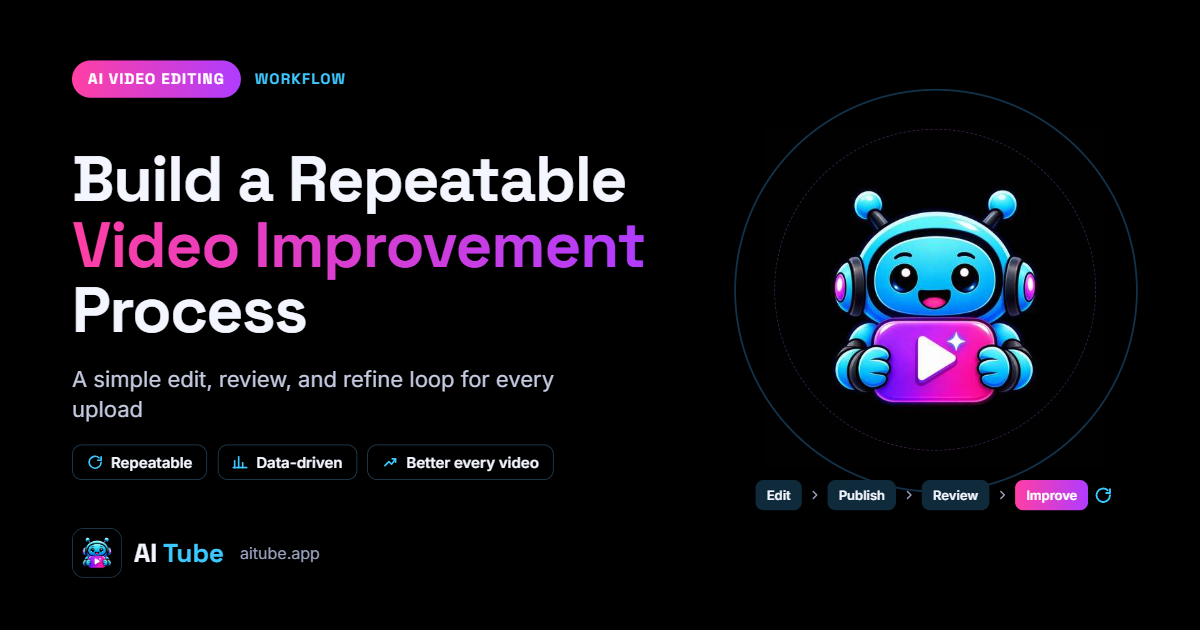
9. Build a Repeatable Video Improvement Process
You do not need to change everything about your editing process at once.
Start by identifying the biggest problem affecting your content. It might be slow introductions, inaccurate captions, unclear explanations, or a lack of supporting visuals.
Choose one improvement and apply it to your next few videos.
For example, you could shorten introductions, review retention data, and compare the results with your previous uploads. In another test, you might focus on captions or clearer visual demonstrations.
Keep track of the changes you make and avoid changing too many variables at the same time. This makes it easier to understand what may have contributed to a different result.
Over time, your editing process can become more consistent and better suited to your audience.
The goal is not to automate every creative decision. It is to use AI where it saves time and use performance data where it helps you make better decisions.
Conclusion
AI video editing can support YouTube growth by helping creators improve pacing, produce accurate captions, repurpose useful content, and refine the overall viewing experience.
However, effective content still begins with a relevant idea and a clear understanding of the audience. Better editing can strengthen a video, but it cannot compensate for misleading titles, weak information, or content that does not meet viewer expectations.
Combine AI-assisted editing with thoughtful storytelling, accurate metadata, and regular performance analysis. Start with small improvements, evaluate the results, and develop a workflow that supports consistent quality.
If you are exploring AI video creation and editing, visit AITube to learn more about its available tools and creator features.