Introduction
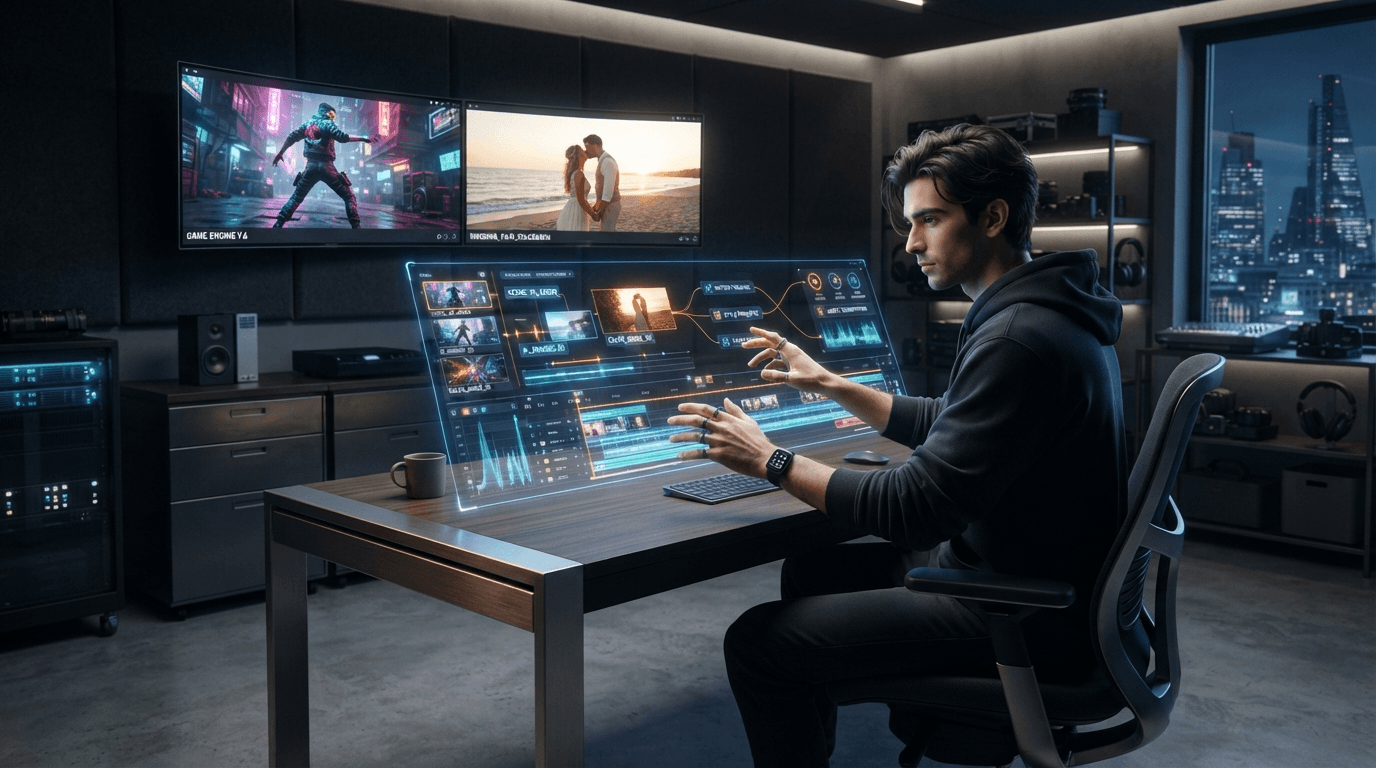
Video editing is no longer limited to manually trimming clips, adjusting transitions, adding subtitles, and arranging every scene on a timeline. AI-powered video editors are changing how creators organize footage, improve audio, generate captions, and turn raw recordings into finished content.
Whether you create gaming videos, wedding films, YouTube content, or promotional videos, AI can help reduce repetitive editing work and make your workflow more efficient.
However, not every AI video editor is designed for the same purpose. Some tools focus on gaming highlights, others specialize in wedding footage, and newer agentic AI editors can follow natural-language instructions to assemble and revise edits.
In this guide, we explore different types of AI video editors, how ChatGPT can support video editing, what agentic AI means, and how AITube fits into the growing AI video creation ecosystem.
1. What Is an AI Video Editor?
An AI video editor uses artificial intelligence to assist with editing tasks that traditionally require manual work.
Depending on the platform, these features may include automatic subtitles, silence removal, scene detection, background removal, smart cropping, audio enhancement, highlight selection, and AI-generated visual elements.
Some editors work alongside a traditional editing timeline, giving users more control over individual clips. Others allow users to describe the desired result in natural language and let an AI system perform multiple editing steps.
For example, a creator could ask an AI editor to identify the most interesting moments in a recording, add captions, remove unnecessary pauses, and prepare a short version for social media.
The important distinction is that AI video generation creates visual content, while AI video editing modifies, organizes, or improves video content. Some platforms offer both capabilities.
If you want to explore AI-powered video creation and editing, visit AITube and review its available creator tools.
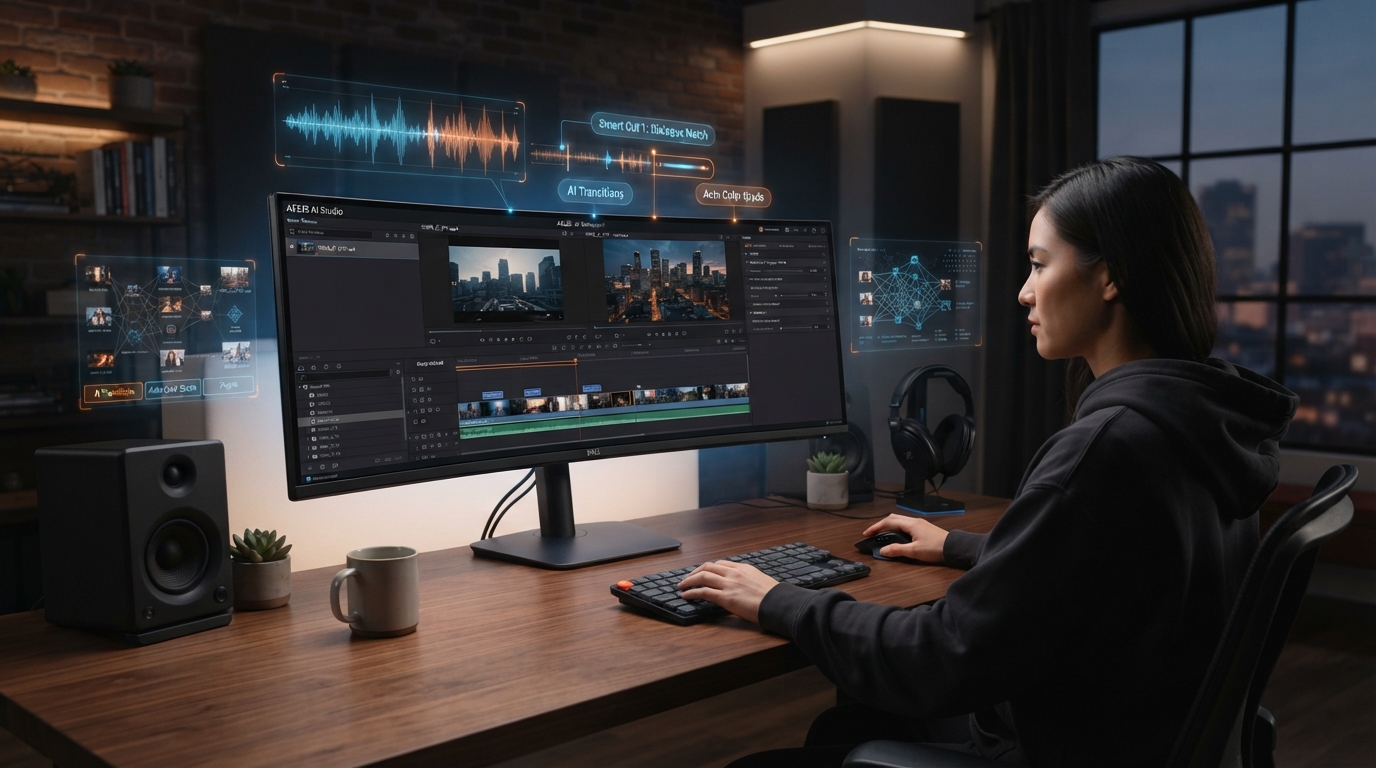
2. AI Video Editor for Gaming: Turn Gameplay Into Engaging Content
Gaming creators often record hours of gameplay but publish only a small portion of that footage. Finding the best moments, removing repetitive sections, adding captions, and preparing short clips can take considerable time.
An AI video editor for gaming can help simplify these tasks.
Features gaming creators should look for
Automatic highlight detection: Identify potentially interesting moments, such as exciting plays or important reactions.
Smart trimming: Remove unwanted sections and reduce the time spent reviewing long recordings.
Automatic captions: Add subtitles to commentary and reaction videos.
Vertical video conversion: Reframe landscape gameplay for YouTube Shorts, TikTok, and Instagram Reels.
Audio enhancement: Improve commentary clarity and reduce distracting background noise.
Creative effects: Add zooms, transitions, and visual emphasis where appropriate.
For example, a creator who records a two-hour gaming session could use AI-assisted editing to identify several promising moments, review the selected clips, and turn them into shorter videos.
AI suggestions should still be checked manually. A system may miss the context of an important play or select a moment that makes little sense without the surrounding footage.
The best gaming workflow combines automated selection with the creator's knowledge of the game and audience.
3. AI Video Editor for Wedding Videos
Wedding videos present a different editing challenge. A videographer may need to organize footage from several cameras, identify important emotional moments, synchronize audio, and create a coherent story from an entire day.
An AI video editor for wedding video production can help with the initial organization and assembly of footage.
How AI can support wedding editing
AI-assisted tools may help editors identify key scenes, organize recordings, synchronize camera angles, detect speech, and prepare preliminary cuts.
For example, footage from the ceremony, speeches, and reception could be organized into sections before the editor begins refining the final film.
Some specialized wedding tools focus on highlight reels, while others prepare editable timelines for professional software.
When evaluating a wedding editor, consider:
Support for multiple cameras and long recordings.
Ability to identify important moments.
Audio synchronization and speech detection.
Control over music, pacing, and transitions.
Export quality and compatibility with professional editing software.
Privacy and handling of clients' footage.
Wedding films often contain emotionally important moments that cannot be recreated. AI can assist with organization, but the editor should review the final sequence carefully to preserve the story and emotional context.
4. ChatGPT AI Video Editor: Can You Edit Videos With ChatGPT?
The term ChatGPT AI video editor can refer to different workflows, so it is important to understand what ChatGPT does and what a connected editing tool does.
ChatGPT can help with video editing tasks such as developing a storyboard, improving a script, planning scene transitions, writing subtitles, generating editing instructions, and creating a list of clips to include in a video.
For example, you could ask ChatGPT to:
Turn a long script into a short-form video outline.
Suggest where to place captions and visual effects.
Create a shot list for a product advertisement.
Rewrite narration to fit a specific video duration.
Develop a structured editing brief for an AI-powered editor.
ChatGPT's ability to directly manipulate video files depends on the tools and integrations available in the particular workflow. ChatGPT alone should not be assumed to provide every function of a full video-editing application.
One example of an editing workflow connected to ChatGPT is Descript. Its integration describes conversational editing tasks such as cleaning up recordings, selecting highlights, and translating videos, subject to availability and workspace requirements.
For best results, use ChatGPT to plan or direct the edit, then review the resulting video in the editing tool.
5. Best AI Video Editor in 2026: Choose by Your Editing Needs
There is no single AI video editor that is best for every creator. The right choice depends on the type of footage you work with, the amount of control you need, and your publishing goals.
Here are several categories to consider.
Editing need | What to prioritize |
Gaming videos | Highlight detection, captions, vertical reframing |
Wedding films | Multicam organization, emotional storytelling, audio synchronization |
YouTube tutorials | Speech editing, captions, audio cleanup |
Social media content | Fast editing, aspect-ratio conversion, templates |
AI-generated videos | AI creation tools and editing capabilities |
Professional production | Timeline control, high-quality exports, software compatibility |
For gaming creators, a tool with efficient highlight selection may be more valuable than an advanced cinematic effects library. For wedding professionals, accurate synchronization and control over storytelling may matter more than automatic social media captions.
Before choosing a tool, test it using footage similar to your real projects. Compare the time required to produce a usable result rather than judging the software by its feature list alone.
6. Agentic AI Video Editor: The Next Step in Automated Editing
An agentic AI video editor goes beyond performing a single automated task. It can interpret a broader editing goal, carry out multiple steps, and allow the user to refine the result through instructions.
For example, instead of manually selecting every clip, a creator might request:
"Create a 60-second video from this recording. Focus on the three strongest moments, remove long pauses, add readable captions, and prepare a vertical version."
An agentic editing system may analyze the footage, select scenes, arrange a draft, apply captions, and prepare an output for review.
The user can then request changes, such as shortening the introduction or replacing a particular scene.
Ponder AI video editor
Ponder AI is an example of an agentic video editing approach. Its official website describes a workflow in which users upload footage, provide references and editing instructions, receive a first cut, and direct further revisions using natural language.
Ponder also describes learning from reference videos and supporting exports or handoffs to established editing applications.
This approach can be useful for creators who know what they want but would prefer to spend less time performing repetitive timeline operations.
However, agentic editing does not eliminate the need for creative judgment. Editors should review scene selection, pacing, continuity, and the final output before publishing.
7. Unrestricted AI Video Editor: What Does It Mean?
People searching for an unrestricted AI video editor may be looking for fewer export limitations, more creative freedom, flexible editing features, or fewer restrictions on the number of projects they can produce.
The term can mean different things depending on the user.
Before choosing an editor, clarify which restrictions matter most:
Export limits: Can you download videos at the resolution you need?
Watermarks: Are clean exports available under your plan?
Project limits: How many videos can you edit or process?
Creative control: Can you adjust the timeline, captions, effects, and transitions?
Content policies: Which subjects and types of content does the platform permit?
Commercial rights: Are you allowed to use the output for client work or advertising?
No AI editor should be assumed to provide unlimited generation, unrestricted exports, or unrestricted content permissions simply because it uses that label.
Review the platform's current terms, usage limits, and licensing conditions before relying on it for professional production.
8. How AITube's AI Video Editor Fits Into Your Workflow
AITube is an AI-powered video platform that supports creating and publishing AI-generated content. Its website presents a workflow for turning text or scripts into videos and sharing creations with an audience.
You can explore AITube's official website to learn about its available video creation features.
For creators, an AI video editor can be useful as part of a wider workflow that moves from an initial idea to a finished video and then to publication.
A practical workflow might include:
Plan the content: Decide what the video should communicate and who it is for.
Prepare the material: Organize scripts, reference images, footage, and other assets.
Create or edit the video: Use the available AI tools to develop the content and refine the result.
Review the output: Check visual quality, timing, captions, and factual accuracy.
Publish and learn: Share the finished video and use audience feedback to improve future content.
AITube may be particularly relevant to creators who want to explore AI video creation alongside publishing and discovering other AI-generated videos.
Before relying on any specific editing feature, confirm that it is available in your current AITube account and plan.
9. What to Consider Before Using an AI Video Editor
Choosing a tool based only on how much editing it can automate may lead to disappointing results. Consider the full workflow before making a decision.
Output quality: Check whether the editor preserves the original footage and produces clear captions and smooth transitions.
Editing control: Determine whether you can adjust the AI's decisions or make precise changes manually.
Processing time: Long recordings may require substantial processing, even when some steps are automated.
Pricing and limits: Check subscription costs, credit usage, export restrictions, and supported video lengths.
Privacy: Understand how uploaded footage is processed, stored, and protected.
Licensing: Verify the rights associated with source assets, music, generated material, and commercial projects.
Human review: Always inspect the final video for errors, misleading edits, and unwanted changes.
The goal is to choose a tool that makes your work easier without compromising the quality or integrity of your content.
Conclusion
AI video editing is developing beyond automatic captions and simple effects. Gaming creators can use it to find highlights, wedding professionals can use it to organize footage, and content creators can explore conversational and agentic workflows to reduce repetitive editing work.
ChatGPT can help plan and direct editing tasks, while specialized platforms carry out the functions supported by their integrations. Agentic tools such as Ponder demonstrate how natural-language instructions can become part of a more automated editing process.
AITube also offers an AI-powered environment for video creation and publishing, making it worth exploring for creators interested in AI-generated content.
The best choice depends on your specific workflow. Test the available features, review the output carefully, and select the editor that provides the right balance of creative control, efficiency, and quality.