Introduction
AI video generation is changing how content creators, marketers, businesses, and developers produce videos. Instead of recording every scene manually, users can now use AI to turn text prompts, images, scripts, and existing footage into videos.
In 2026, AI video generation tools offer more creative control, improved visual quality, and new ways to edit and automate video production. These tools are useful for social media content, product advertisements, educational videos, storytelling, and marketing campaigns.
However, the right tool depends on your budget, video quality needs, editing requirements, and intended use. Some platforms offer free credits, while others charge based on subscriptions, credits, or API usage.
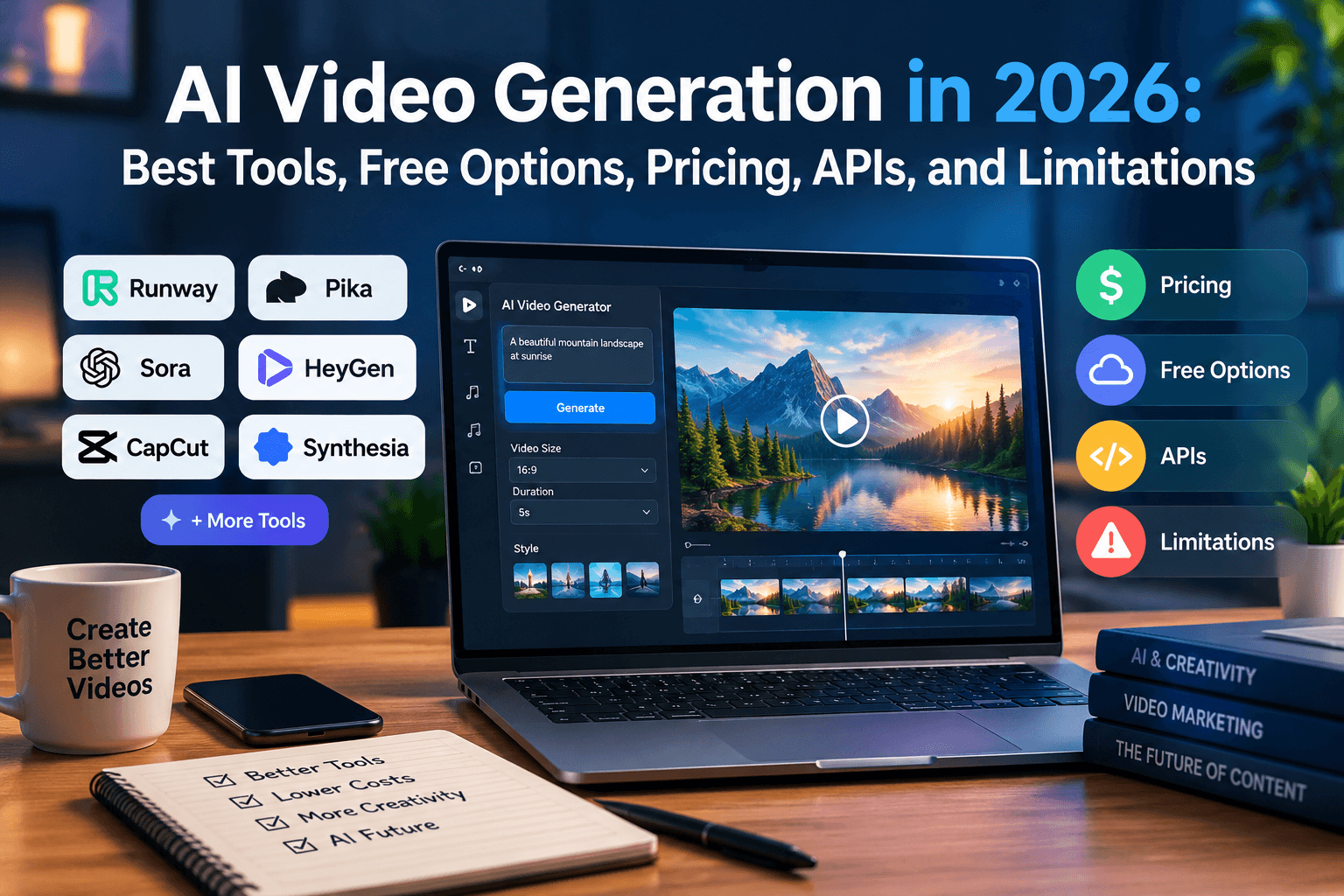
In this guide, we explore the latest advancements in AI video generation, the best free AI video generation tools in 2026, pricing models, APIs, and the limitations you should understand before getting started.
1. Latest Advancements in AI Video Generation
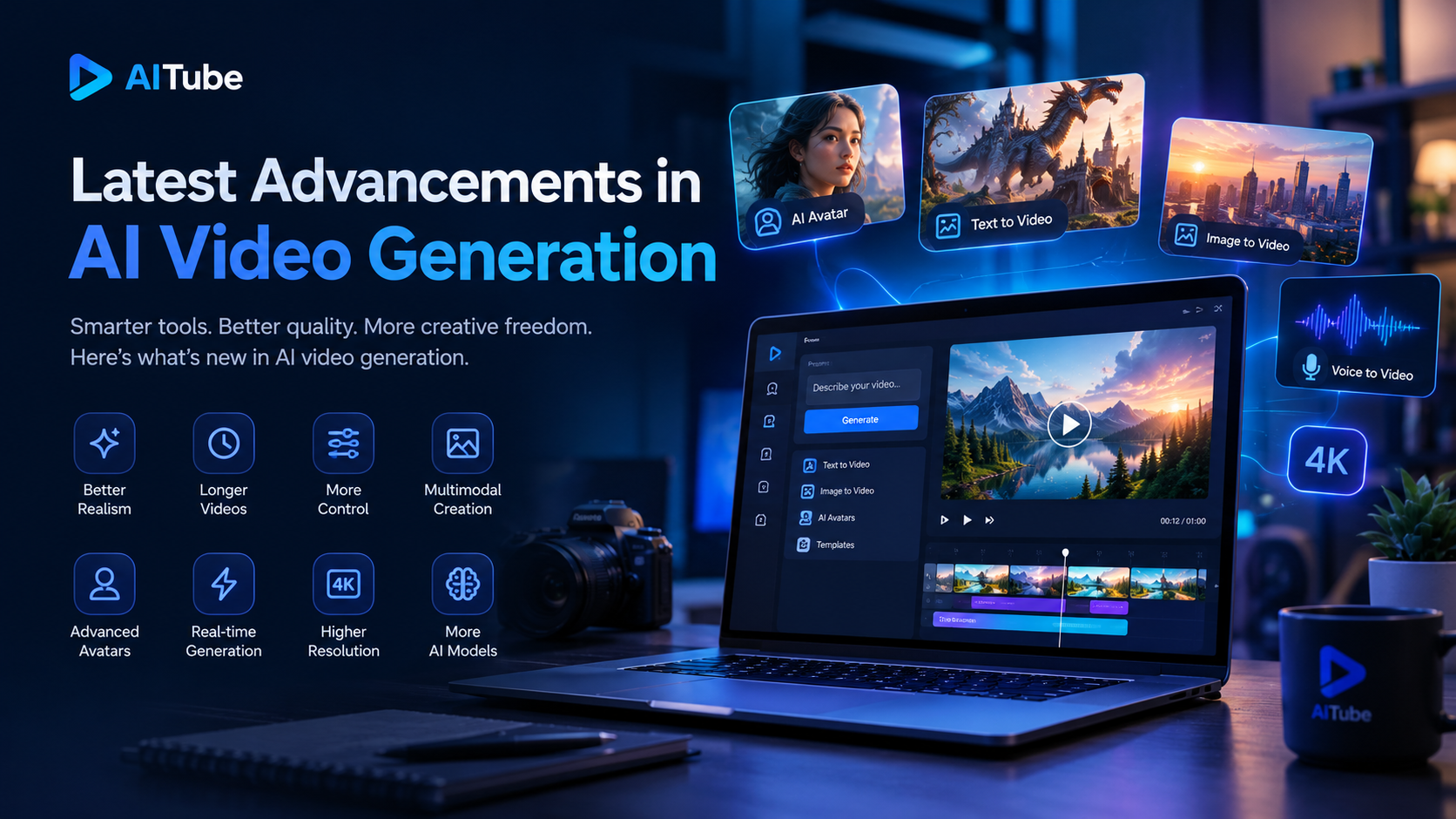
AI video generation technology has improved significantly, moving beyond simple animations toward more realistic and controllable video creation.
Some important advancements include:
Better visual realism: Modern models can generate more realistic characters, environments, lighting, and camera movements.
Image-to-video generation: Users can upload an image and animate it into a video while maintaining the original visual style.
Improved motion consistency: Newer systems are getting better at maintaining character appearance and scene continuity across frames.
Video editing with AI: Some platforms allow users to modify existing footage, change visual elements, or create new scenes through prompts.
Audio and video generation: Certain models support synchronized audio, dialogue, or sound generation alongside video.
Multiple creative workflows: Creators can combine text, images, reference videos, and other inputs to guide the final result.
For example, Runway's official product changelog documents ongoing developments in video editing, generative models, and creative workflows.
These advancements make AI video generation increasingly useful for marketing teams, filmmakers, educators, and independent creators. However, results still depend on the model, prompt quality, and complexity of the requested scene.
2. Best Setup for AI Video Generation
A good AI video generation setup does not necessarily require an expensive computer or professional studio. Most browser-based tools handle generation in the cloud, so users can get started with a standard computer and a stable internet connection.
Here is a practical setup for beginners and professionals.
Essential requirements:
A clear video concept: Decide whether you need a product advertisement, YouTube video, social media Reel, tutorial, or cinematic clip.
A detailed prompt or script: Describe the subject, environment, camera movement, lighting, style, and intended mood.
An appropriate AI video tool: Select a platform that supports your desired workflow, such as text-to-video, image-to-video, or video editing.
The correct aspect ratio: Use 9:16 for vertical videos, 16:9 for landscape videos, and 1:1 when square content suits your platform.
An editing workflow: Review generated clips, arrange scenes, add captions, and adjust audio before publishing.
A quality-check process: Check faces, hands, text, object movement, and scene consistency.
For example, a marketer creating a product advertisement might generate a product scene from an image, produce a few alternative shots, and combine the best results with a voice-over and call to action.
AITube is another platform worth exploring for AI-powered video creation and editing workflows. Visit AITube to explore its available features.
The best setup is the one that produces consistent results without wasting time or credits. Start with short clips, test several prompts, and increase production complexity only when the results meet your requirements.
3. AI Video Generation Pricing: What Should You Expect?
AI video generation pricing varies considerably between platforms. Some offer free trials or limited credits, while others charge monthly subscriptions or usage-based fees.
The main pricing models include:
Pricing model | How it works | Best for |
Free tier | Limited generations or credits | Beginners and testing |
Monthly subscription | Fixed monthly fee with included benefits | Regular creators |
Credit-based pricing | Credits are deducted for each generation | Flexible usage |
API pricing | Charges based on usage, model, or video duration | Developers and businesses |
Enterprise plans | Custom limits, support, or team features | Larger organizations |
The total cost depends on more than the advertised subscription price. Video length, resolution, model selection, failed generations, and the number of revisions can all affect your budget.
For example, Runway's developer platform lists model-specific pricing, including per-second rates for supported video models. This illustrates why developers should calculate the cost of their expected video output rather than comparing subscription prices alone.
Before purchasing a plan, check whether commercial use is permitted, whether unused credits expire, and whether downloads include a watermark. Pricing and feature limits can change, so always consult the provider's official pricing page.
4. AI Video Generation API: What Is It and Who Needs It?
An AI video generation API allows developers to connect video generation capabilities to their own applications, websites, or automated workflows.
Instead of manually opening a video tool and submitting prompts, a developer can build a system that sends requests to a supported API and processes the generated results.
Common use cases include:
Generating personalized marketing videos.
Creating videos from product descriptions.
Automating content production for social media.
Adding video generation to SaaS applications.
Building AI-powered video editing workflows.
Producing educational content at scale.
A typical API workflow looks like this:
A user submits a prompt or image.
The application sends a request to the video generation API.
The provider processes the request.
The application checks the generation status.
The finished video is retrieved and delivered to the user.
Developers should evaluate API documentation, authentication requirements, rate limits, generation speed, output quality, and pricing before choosing a provider.
For implementation details, explore the Runway API platform and the OpenAI video generation documentation.
If you are building an AI-powered product, API access can help turn video generation from a standalone creative task into a repeatable feature within your application.
5. Free AI Video Generation Tools in 2026
Many people search for free AI video generation tools because they want to experiment before investing in a paid plan.
Free access can be useful for testing prompts, creating short clips, comparing visual quality, and learning how different models behave. However, free does not always mean unlimited.
Here are some platforms worth evaluating.
1. AITube
AITube offers an AI-powered video platform with video creation and editing capabilities. It is worth exploring if you want to investigate AI-assisted content workflows alongside other creator-focused features.
Visit AITube to explore the platform and check its currently available plans and features.
2. Runway
Runway provides AI video generation and editing tools for creative workflows. Its developer platform also provides access to supported media models and APIs.
Explore the official Runway website for product updates and the Runway developer platform for API capabilities.
3. OpenAI video models
OpenAI's video generation technology supports creating dynamic clips from text and image inputs, depending on the model and access available. Developers can review the official model documentation to understand supported inputs, output formats, and pricing.
Read the OpenAI video model documentation.
4. Other emerging AI video platforms
New tools and model integrations appear regularly. Compare their supported workflows, generation limits, output quality, and licensing conditions before choosing one.
How to choose the best free AI video generation tool
The best option depends on your specific requirements. Compare these factors before signing up:
Number of free credits or generations.
Maximum video duration.
Output resolution and aspect ratios.
Availability of downloads.
Watermark restrictions.
Commercial usage rights.
Generation speed and queue limits.
Availability of editing tools.
A platform may offer free generation but restrict downloads, resolution, or commercial use. Always verify the current terms rather than assuming every free plan provides the same benefits.
6. Free AI Video Generation Tools Without Watermarks in 2026
Finding free AI video generation tools without watermarks is another common challenge for creators.
A watermark can make a video look less professional, especially when creating advertisements, client projects, or branded social media content.
However, watermark policies differ by platform and plan. Some tools allow clean exports under specific conditions, while others reserve watermark-free downloads for paid subscriptions.
To find an appropriate option, check the provider's official documentation and test a sample export before creating an entire campaign.
Also, remember that removing a watermark from an exported video does not automatically grant permission to use the content commercially. Licensing rights and export restrictions are separate issues.
If you plan to publish videos for a business, prioritize a tool that clearly explains its download options, commercial rights, and account limitations.
7. AI Video Generation Capabilities and Limitations: 2025–2026
AI video generation capabilities improved throughout 2025 and continued developing in 2026. The technology now supports a broader range of creative workflows, but it is not yet a complete replacement for every traditional production task.
What AI video generation can do
AI video tools can help users:
Turn written prompts into short video clips.
Animate still images.
Create product and promotional visuals.
Generate scenes for social media content.
Experiment with different visual styles.
Speed up creative prototyping.
Support video editing and content localization.
These capabilities allow small teams and independent creators to experiment with ideas that previously required more equipment, time, or specialist skills.
What are the main limitations?
Despite these improvements, several challenges remain.
Character consistency: A character's face, clothing, or appearance may change between generated shots.
Physical accuracy: Complex movements, object interactions, reflections, and physics may look unnatural.
Text rendering: Signs, product labels, and other text inside generated footage may contain errors.
Limited control: Producing the exact camera movement, timing, and composition can require multiple attempts.
Generation costs: High-quality outputs and repeated revisions can become expensive.
Copyright and licensing: Users must understand the rights associated with their inputs, outputs, and chosen platform.
Trust and authenticity: Synthetic footage can mislead viewers if it is presented as a genuine recording without appropriate context.
For a broader perspective on content authenticity, read OpenAI's overview of content provenance.
The practical solution is to treat AI as part of a production workflow rather than expecting every generated clip to be ready for publication immediately. Human review, editing, and fact-checking remain important.
8. How to Choose the Right AI Video Generation Tool
Before committing to a platform, identify your primary goal.
For beginners: Start with a tool that is easy to use and offers enough free access to test the workflow.
For marketers: Prioritize fast iteration, suitable aspect ratios, clean exports, and commercial usage rights.
For content creators: Look for flexible editing, consistent visuals, and support for your preferred publishing formats.
For developers: Evaluate API documentation, predictable costs, output handling, and integration requirements.
For businesses: Consider team workflows, licensing, privacy, scalability, and production reliability.
You should also compare the total cost of producing a usable video, not simply the cost of generating one clip. If a tool requires many attempts to achieve the desired result, a seemingly inexpensive plan may become costly.
You can also explore AITube's comparison page to learn more about how the platform compares with other options.
Conclusion
AI video generation in 2026 offers exciting opportunities for creators, marketers, developers, and businesses. Improvements in visual realism, image-to-video workflows, editing capabilities, and API integrations are making video production more accessible.
At the same time, pricing, watermarks, commercial licensing, and technical limitations remain important considerations. The best tool is not necessarily the most expensive or the one with the most features. It is the one that fits your workflow and consistently produces useful results.
Start by testing a few short videos, comparing the quality and cost of each output, and reviewing the platform's usage terms. As your needs grow, you can move toward advanced editing workflows or API-powered automation.
If you want to explore AI-powered video creation and editing in one creator-focused environment, visit AITube and discover which available features fit your content production goals.