Introduction
Creating professional videos used to require cameras, lighting equipment, editing software, and hours of production work. Today, AI video generation is giving creators a new way to turn ideas into visual content with less manual effort.
Whether you want to create YouTube videos, Instagram Reels, product advertisements, educational content, or cinematic scenes, AI tools can help you move from an idea to a finished video more quickly.
However, generating a video is only one part of the process. You also need a clear concept, a good prompt, suitable visual references, and an editing workflow that produces content people actually want to watch.
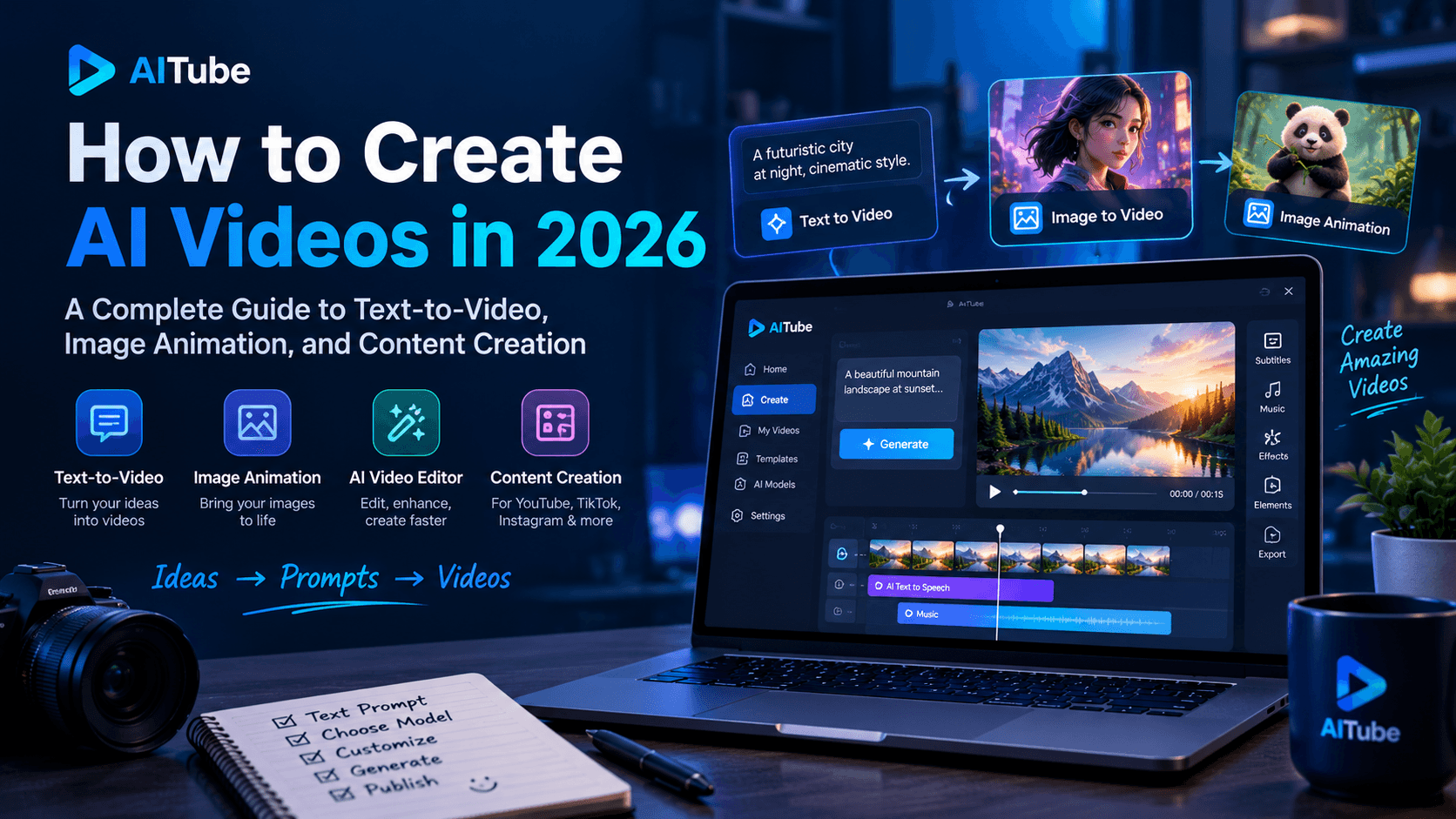
In this guide, we explain how AI video generation works, the difference between text-to-video and image-to-video, how to write better prompts, and how businesses and creators can use AI videos effectively in 2026.
1. What Is AI Video Generation?
AI video generation is the process of using artificial intelligence to create or transform moving visual content from text descriptions, images, video clips, or other supported inputs.
For example, you could enter a prompt describing a futuristic city at sunset and ask an AI model to generate a cinematic scene. Alternatively, you could upload a product image and instruct the model to create a slow camera movement around it.
Unlike traditional video production, which relies on recording real-world footage or manually creating animation, generative AI predicts and creates visual content based on patterns learned during training.
Modern tools increasingly combine generation with editing features, allowing users to change backgrounds, modify scenes, animate still images, and refine existing footage.
According to Runway's guide to AI video generation, maintaining consistency across frames remains an important challenge because a video must look coherent throughout its duration.
This makes prompt writing, reference images, and careful review important parts of the creative process.
2. Text-to-Video vs. Image-to-Video
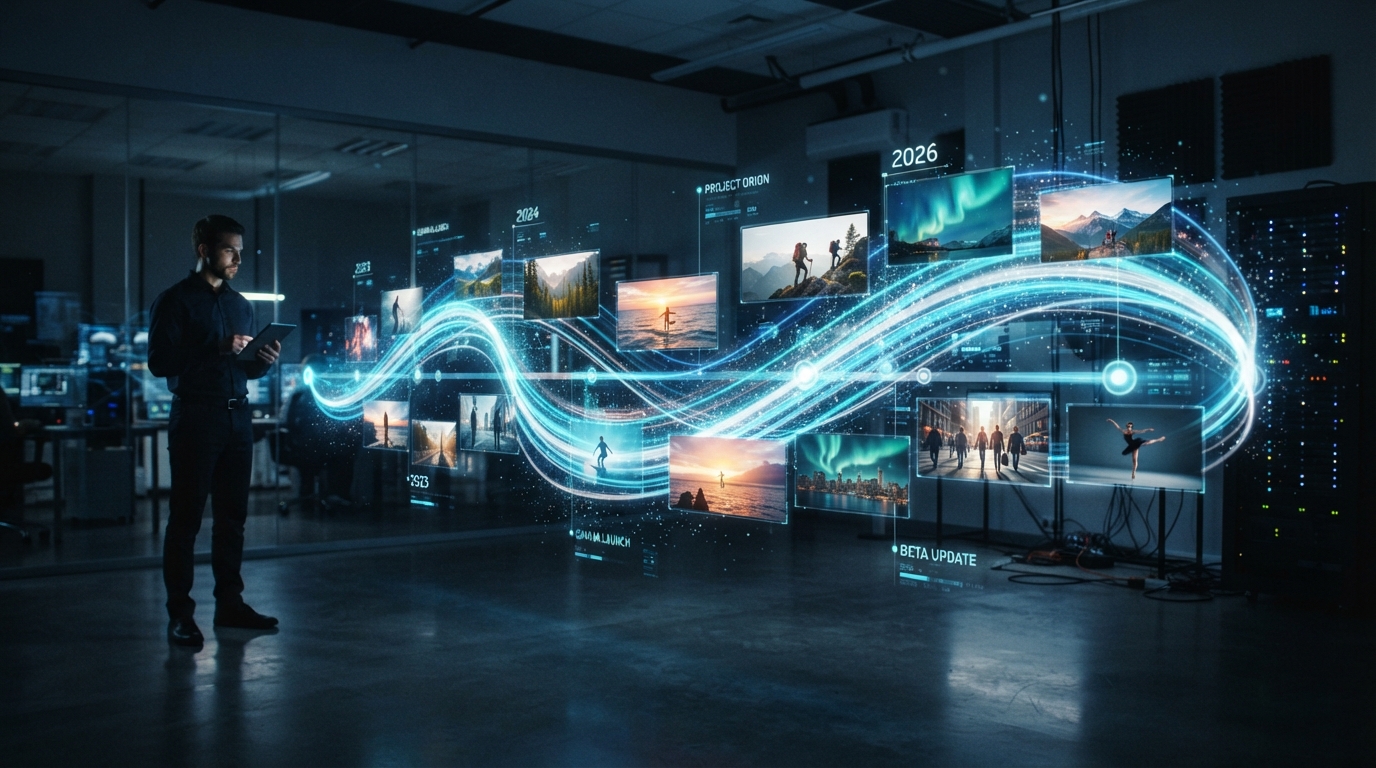
Two common approaches to AI video creation are text-to-video and image-to-video. Understanding the difference helps you choose the right workflow for each project.
Text-to-video generation
Text-to-video tools create video clips from written descriptions.
You describe the subject, setting, movement, lighting, and camera style, and the model generates a visual interpretation of your prompt.
For example:
"A red sports car driving along a coastal highway at sunset, cinematic tracking shot, realistic reflections, warm lighting, ocean waves in the background."
This approach is useful when you want to create an original scene without preparing visual assets first.
Best use cases:
Cinematic storytelling.
Concept videos and creative experiments.
Social media visuals.
Background footage for advertisements.
Early-stage product concepts.
Image-to-video generation
Image-to-video tools animate an existing image into a moving clip.
You upload a photograph, illustration, product image, or AI-generated image and describe the movement you want to see.
For example:
"The camera slowly moves toward the product while soft sunlight shifts across the surface. Keep the product's shape and position consistent."
This method is particularly useful when you already have a specific visual style or need to start from an existing product image.
Best use cases:
Product advertisements.
Animated photographs.
E-commerce content.
Character animation.
Brand-focused visual campaigns.
You can explore Runway's AI video generator to learn more about these workflows.
3. How to Write Better AI Video Prompts
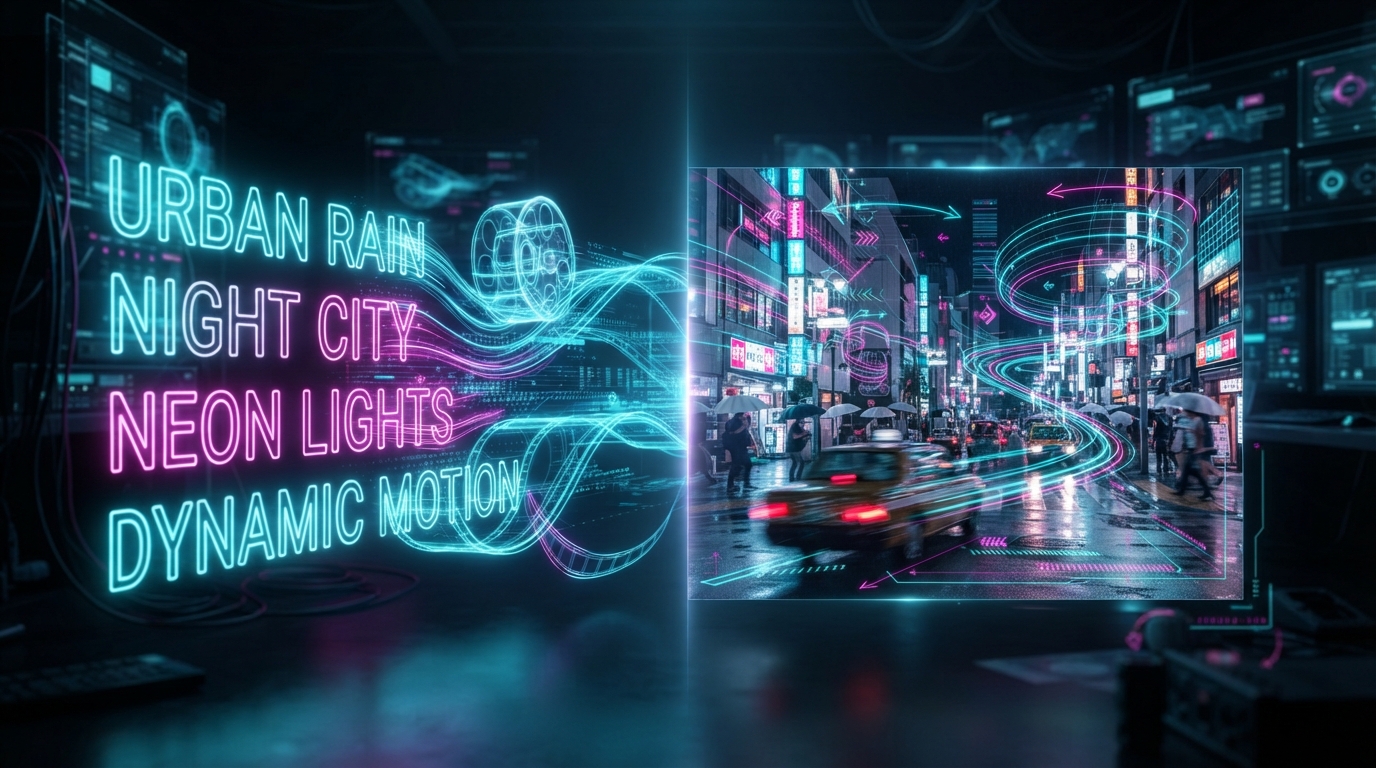
The quality of your prompt can significantly affect the usefulness of a generated video. A vague description leaves many creative decisions to the model, while a structured prompt gives it more direction.
A practical prompt can include five elements:
Subject: What should appear in the video?
Action: What should the subject do?
Environment: Where does the scene take place?
Camera movement: Should the camera zoom, pan, track, or remain still?
Visual style: Should the result look cinematic, realistic, animated, or documentary-style?
Example of a weak prompt
"Create a video of a coffee shop."
This gives the model little information about the scene or movement.
Example of a stronger prompt
"A barista pours steamed milk into a ceramic coffee cup inside a modern café. Close-up shot, slow camera push-in, warm morning sunlight through large windows, realistic steam, natural colors, cinematic commercial style."
The second prompt describes both the visual elements and the movement.
For image-to-video generation, focus more on movement and camera direction because the uploaded image already establishes much of the scene's appearance.
For more examples, consult the Runway Academy prompting guide.
Pro tip: Change one or two prompt details at a time when improving a result. This makes it easier to identify which instructions are helping.
4. How to Create an AI Video Step by Step
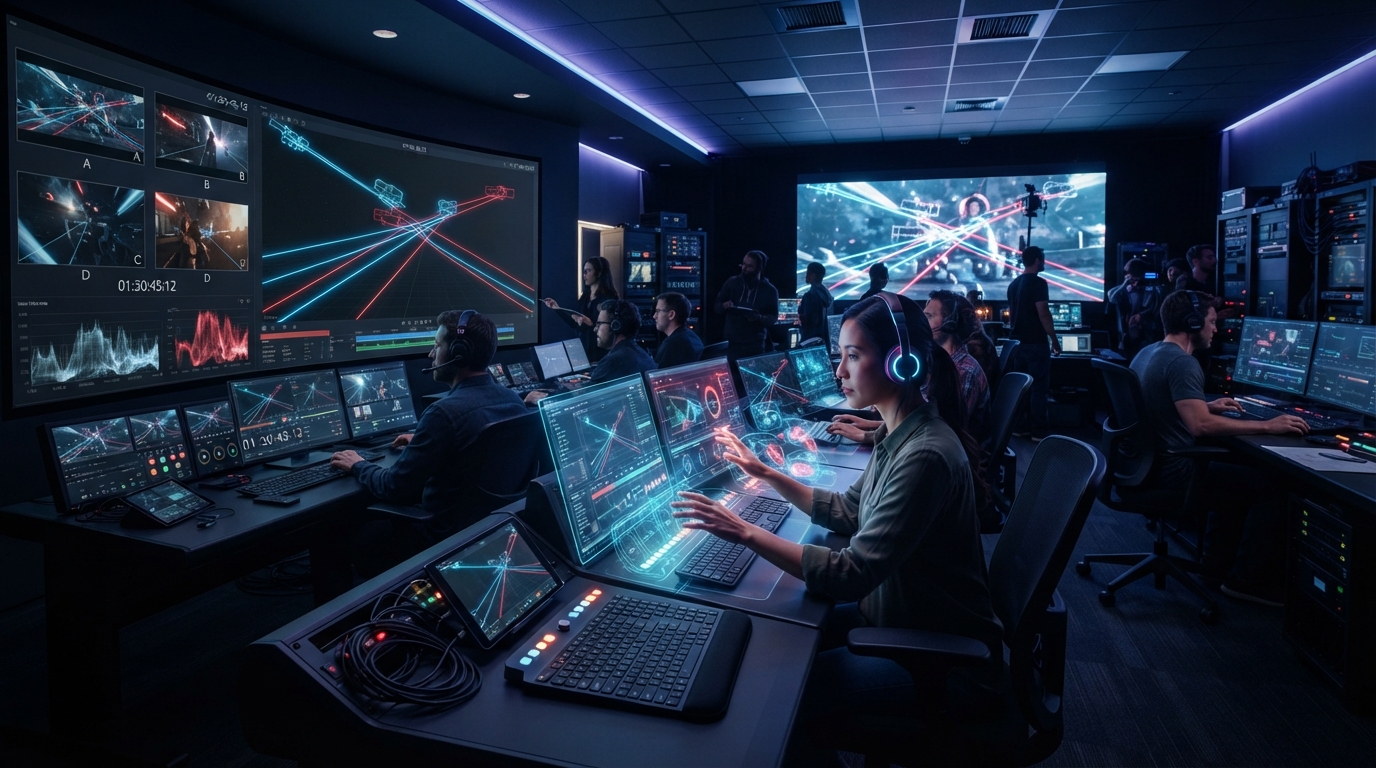
You do not need to start with a complicated production setup. A simple workflow can help you learn the process and improve your results.
Step 1: Define the purpose
Decide what the video needs to achieve. A product advertisement, educational explainer, and cinematic social media clip require different approaches.
Define your audience, intended platform, video length, and primary message before generating anything.
Step 2: Prepare your script or concept
For videos containing narration, write a short script with a clear opening, useful information, and a conclusion.
For visual-only clips, prepare a scene description that explains what happens from beginning to end.
Step 3: Choose your generation method
Use text-to-video when you need to create a scene from scratch. Choose image-to-video when you already have a suitable visual reference.
Some workflows combine both methods to maintain greater creative control.
Step 4: Generate short clips
Instead of trying to create an entire long video in one generation, produce individual scenes and review them separately.
For example, a 30-second advertisement might contain three or four short clips that are assembled during editing.
Step 5: Review and refine
Check the generated footage for unnatural movement, inconsistent objects, incorrect details, and visual errors.
Regenerate scenes that do not meet your requirements rather than accepting every first result.
Step 6: Edit and publish
Arrange the clips, add narration or music, include captions where useful, and export in the appropriate aspect ratio.
Before publishing, review the video for accuracy, branding, copyright concerns, and platform requirements.
5. Practical Uses of AI Video Generation
AI video generation is useful across several industries, but the best results come from matching the technology to a specific task.
Digital marketing and advertising
Marketing teams can create alternative visual concepts for campaigns, test different product scenes, and produce short promotional clips.
For example, a business selling skincare products could generate several background concepts and compare which creative direction attracts more attention.
AI-generated visuals can support creative testing, but campaign performance still depends on the offer, audience, message, and distribution strategy.
YouTube and social media content
Creators can use AI-generated scenes as supporting visuals for tutorials, commentary, educational videos, and storytelling.
Vertical video formats are especially useful for short-form content on platforms such as YouTube Shorts, Instagram Reels, and TikTok.
However, a strong script, useful information, and engaging pacing remain essential.
E-commerce product videos
Online stores can animate product images, demonstrate product details, and create visual variations for advertisements.
Businesses should carefully verify that generated footage accurately represents the real product. AI-generated changes to product size, shape, color, or functionality could mislead customers.
Education and training
Educators can create illustrative scenes, historical visualizations, and supporting footage for lessons.
AI-generated content can make abstract concepts easier to explain, provided that factual claims and educational details are checked before publication.
Creative storytelling
Independent filmmakers and artists can use generative video to test story ideas, visualize scenes, and experiment with different styles before investing in traditional production.
The technology is particularly useful for concept development, although complex projects may still require conventional filming, animation, and editing.
6. How AITube Fits Into an AI Video Workflow
AITube is an AI-powered video platform built around creating, sharing, and discovering AI-generated video content.
For creators exploring AI video generation, AITube offers a place to publish generated videos, build a channel, and connect with a community interested in AI-created content.
You can get started through the AITube platform.
Here are a few ways to approach AI video creation with a creator-focused workflow:
Experiment with concepts: Test different ideas and visual styles before settling on a final direction.
Create content for a defined audience: Focus on a niche, such as education, entertainment, technology, or product storytelling.
Publish with clear descriptions: Give videos meaningful titles and descriptions that help viewers understand their content.
Learn from audience engagement: Review feedback and experiment with future videos based on what viewers find useful or interesting.
AITube also provides a How AITube Works guide explaining its publishing, community, and Prompt Battles workflows.
Remember that generating a video and growing an audience are different goals. Consistent publishing, original ideas, useful content, and audience engagement all contribute to a stronger creator strategy.
7. Common AI Video Generation Mistakes to Avoid
Even advanced AI tools can produce disappointing results when the workflow is poorly planned.
Writing overly complicated prompts
Including too many unrelated actions in a short clip can make the result confusing. Focus on one clear scene and a manageable sequence of movements.
Ignoring aspect ratios
A landscape video may not work well in a vertical feed if important subjects are cropped. Decide the intended platform before generating your footage.
Expecting perfect consistency
Characters, objects, and backgrounds can change unexpectedly between scenes. Review continuity carefully, particularly when producing advertisements or narrative videos.
Skipping editing
Generated clips often need trimming, sequencing, captions, sound, or color adjustments before they are ready to publish.
Ignoring commercial rights
Check the tool's licensing conditions and make sure you have permission to use uploaded images, voices, music, logos, and other assets.
Publishing without quality checks
Always review the final video for inaccurate information, strange movement, visual artifacts, and misleading representations.
8. The Future of AI Video Generation
AI video generation is moving toward more controllable creation workflows, stronger visual consistency, and better integration with editing and production tools.
The wider ecosystem is also expanding to include models that support multiple types of input, including text, images, video, and audio. You can explore the Runway developer model catalog to see examples of available capabilities.
For creators, these developments could make it easier to generate scene variations, maintain a consistent visual direction, and integrate AI into existing production processes.
For businesses, the opportunity is not simply to produce more videos. It is to create relevant content more efficiently while maintaining quality and brand consistency.
Nevertheless, reliability, copyright, transparency, and human oversight will remain important considerations as the technology develops.
Conclusion
AI video generation is making video creation more accessible by allowing users to transform text prompts, images, and creative concepts into moving visuals.
To get better results, start with a clear goal, choose the right generation method, write specific prompts, create manageable clips, and review every output before publishing.
Whether you are a marketer developing advertisements, a creator producing social media content, or a beginner exploring generative AI, a structured workflow can help you save time while improving creative quality.
Explore AITube to discover AI-generated videos, publish your own creations, and connect with a community of AI video creators.