Key takeaways
Free AI video tools fall into four categories: text-to-video, script-to-video, avatar, and image-to-video — pick by what you already have.
No single generator wins every job; use Runway for cinematic shots, Pika for social, Kling for longer realistic footage, Luma for animating stills.
Free tiers cap video length, add watermarks, limit resolution to 720p–1080p, and run on monthly credits that deplete quickly.
A six-step workflow — prompt, generate, voice, music, edit, export — turns free tools into a finished, downloadable clip.
Upgrade only when a specific limit costs you time or money, such as needing a commercial licence, higher resolution, or faster renders.
What you need to make AI videos for free
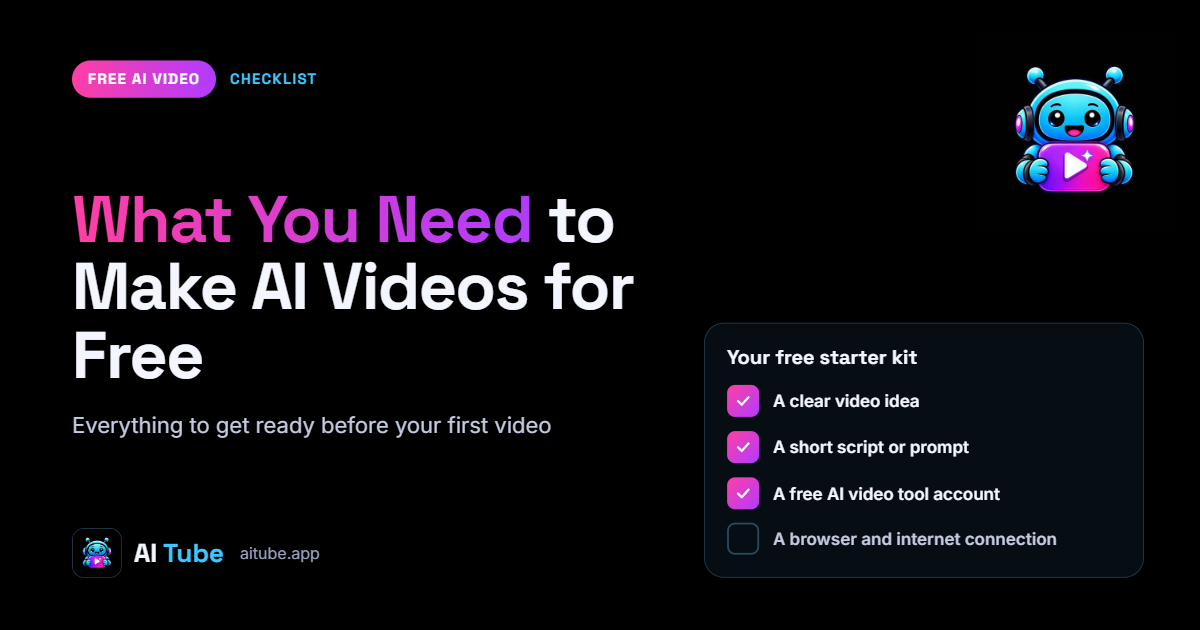
To make AI videos for free you need three things: a browser, an email address for a free account, and a clear idea of what kind of video you want. No expensive hardware, no GPU, no editing software. The tools run in the cloud, so a mid-range laptop or even a phone handles the work while the generator does the heavy lifting on its own servers. AITube
The four categories of free AI video tools
Free AI video generators fall into four groups, and the one you pick depends on what you already have — a prompt, a script, a face, or a still image.
Text-to-video: you type a description and the tool generates footage from scratch. Best for short, atmospheric or abstract clips.
Script-to-video: you paste a script and the tool assembles stock footage, captions and voiceover around it. Best for explainers and faceless YouTube content.
Avatar (talking head): a digital presenter reads your script to camera. Best for training, news-style and corporate videos.
Image-to-video: you upload a still and the tool animates it into a moving clip. Best for bringing artwork, photos or product shots to life.
What 'free' actually means
Free almost always means a limited free tier rather than an unlimited product. Expect caps on video length, a monthly quota of credits or renders, watermarks on exports, and output locked to 720p or lower. Some tools reserve their best model for paying users and give the free tier an older, faster one.
That is enough to produce real, publishable videos — plenty of creators monetise clips made this way. If you plan to earn from them, read how to make money with AI videos before you commit to a platform, because watermarks and licensing terms affect where you can post.
The next section compares the named tools so you can match one to the category you need.
Which is the best free AI video generator?
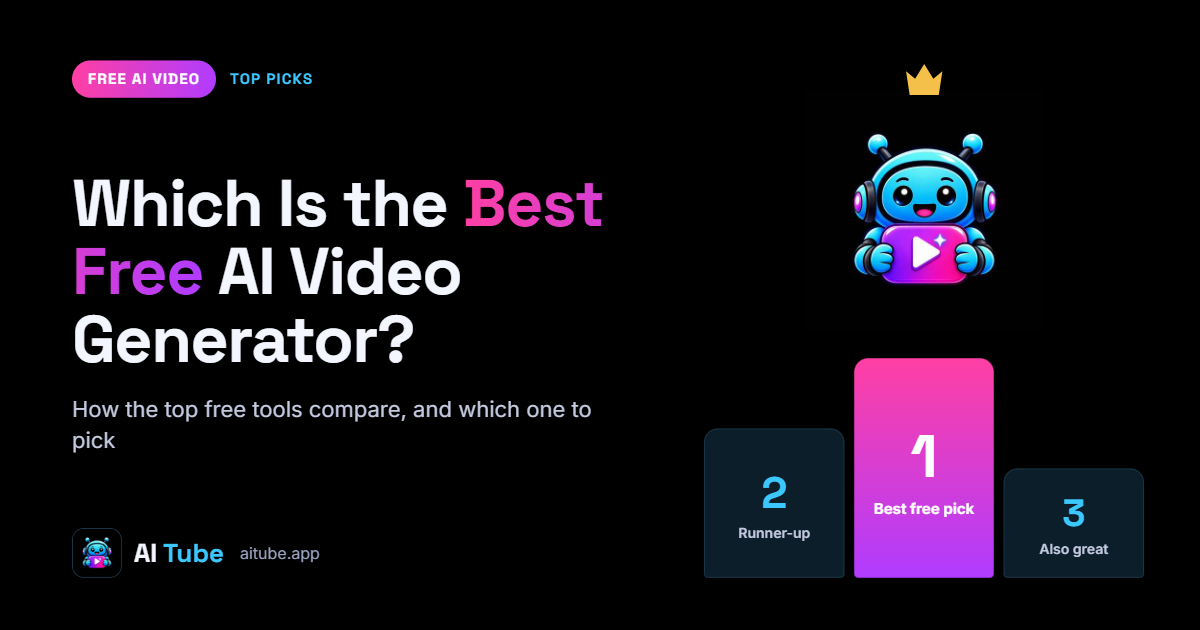
The best free AI video generator depends on what you're making: Runway for cinematic clips, Pika for quick social snippets, Kling for longer realistic shots, and Luma for image-to-video motion. No single tool wins every job, so match the generator to the output you need rather than chasing one name.
Free tiers all work on a credit system, and those credits run out fast. Expect short clips, a watermark, and a cap on how many videos you can export each month. The table below shows what each popular option gives you before you have to pay.
Free AI video generators compared
Runway — best for cinematic, text-to-video shots; free tier gives limited credits, short clips and a watermark; ideal for trailers and mood pieces.
Pika — best for fast, stylised social clips; free credits refill periodically; ideal for TikTok and Reels.
Kling — best for longer, realistic footage; generous free credits on signup; ideal for product and lifestyle scenes.
Luma Dream Machine — best for animating a still image; free daily generations with a watermark; ideal for turning photos into motion.
Haiper — best for simple experiments; free tier with short clips; ideal for testing prompts before committing credits elsewhere.
AITube — a video and music platform built only for AI-made work; free to watch, hosted on-platform, with an ad-revenue share for approved creators.
Pick two, not ten. Create a free account on one text-to-video tool and one image-to-video tool, then run the same prompt through both to see which style you prefer. That comparison takes an afternoon and saves you weeks of guessing.
If your goal is to make AI videos for free and eventually earn from them, favour tools whose free exports are usable commercially and whose watermark you can remove on a cheap plan. See how to make money with AI videos for where that output actually pays. Section three walks through turning one of these tools from prompt to finished clip.
Step-by-step: from prompt to finished video
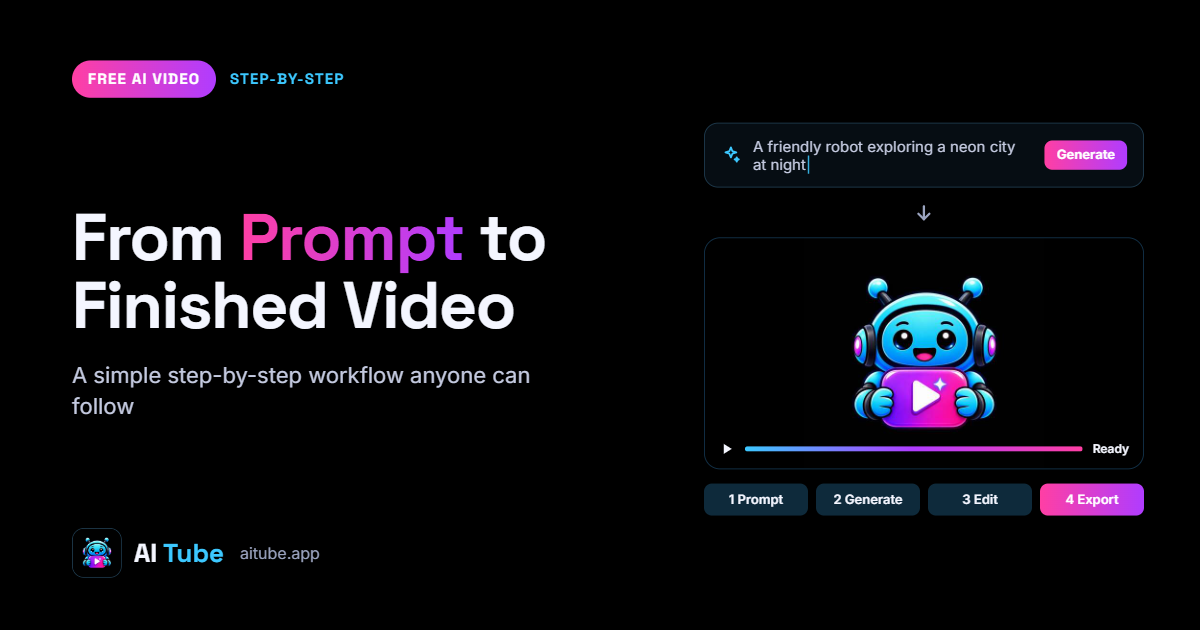
Here is the full workflow to make AI videos for free, start to finish, using the tools you picked earlier. Follow it in order and you will have a finished clip you can download.
The six steps from prompt to export
Write the script or prompt. Keep each shot to one clear idea — 'a drone shot over a snowy pine forest at sunrise' beats a paragraph of adjectives. For talking-head or faceless videos, write the full voiceover script first and split it into 5–10 second lines.
Generate your visuals. Paste each prompt into your chosen generator and render the clip. Most free tiers cap clips at a few seconds, so produce several short ones rather than fighting for a single long take.
Add the voice. Run your script through a free text-to-speech tool, pick one voice, and export the audio. Keep tone consistent across every clip so the video sounds like one narrator, not three.
Drop in music. Add a royalty-free or AI-generated track underneath the voice at low volume — roughly 15–20% so dialogue stays clear. If you plan to publish the audio separately, check the rules on where to upload AI music.
Edit it together. Import your clips, voiceover and music into a free editor, trim the dead air, and cut on the beat or at the end of each spoken line. Add captions here; most social viewers watch muted.
Export. Render at 1080p and in the aspect ratio your platform wants — 9:16 for Reels, Shorts and TikTok, 16:9 for YouTube.
Watch the final render all the way through before you publish. Check that the voice syncs to the visuals, captions match the audio, and no clip ends mid-sentence. Once it holds together, you have a complete video made at no cost — and a repeatable process you can run again. If your goal is income, see 7 proven methods to make money with AI videos.
Limits of free tools and when to upgrade
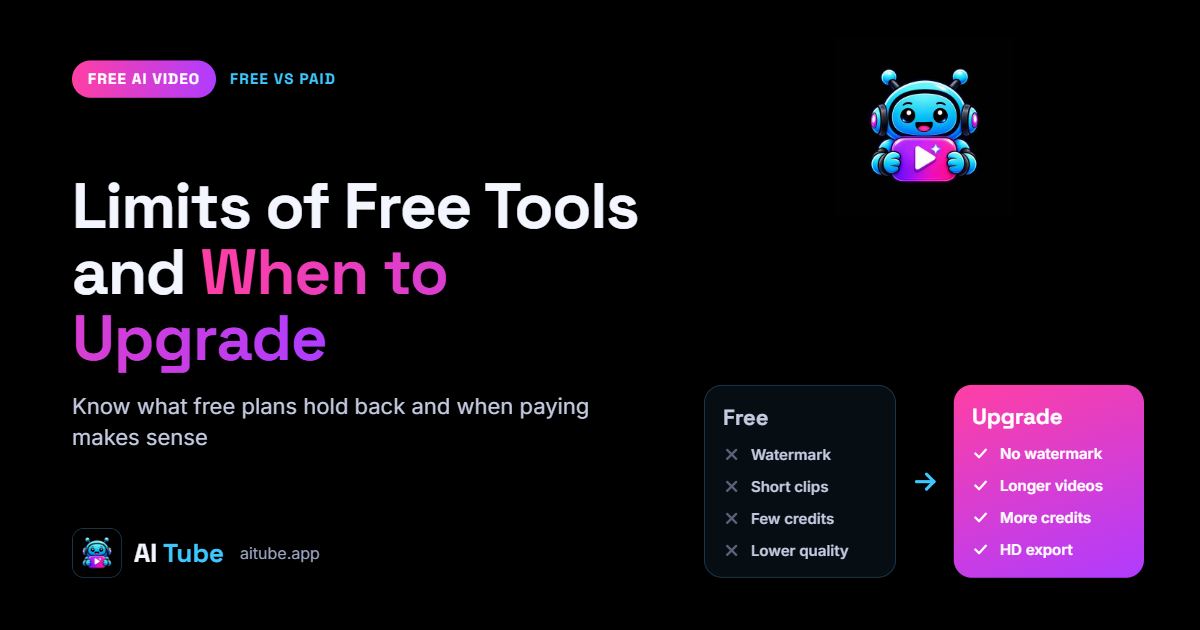
You can make AI videos for free, but every free plan collects its fee somewhere else — usually on your watermark, your resolution, or your waiting time. Knowing the catches up front saves you from re-rendering a whole project the day you need a clean export.
The most common restriction is a visible watermark burned into the corner or across the frame. Some tools let you remove it only on a paid tier; others cap your output at 720p or lower, which looks soft on a full-screen phone.
What free plans typically limit
Watermarks — a logo on the finished clip that only a paid plan removes
Resolution — exports capped at 720p or 1080p, with 4K reserved for upgrades
Render queues — free jobs wait behind paying users, so a clip can take minutes or hours
Monthly credits — a fixed number of generations or seconds per month
Clip length — hard caps of 5 to 10 seconds per generation on many tools
Commercial use — free output is often licensed for personal use only
The commercial-use clause matters most if money is involved. Many free tiers grant you a personal licence only, which means ads, client work, and monetised uploads technically breach the terms. Check this before you build a channel around the output — the economics are covered in How to Make Money with AI Videos.
Signs it's time to upgrade
You're publishing to clients, ads, or a monetised channel and need a commercial licence
The watermark undercuts how your brand looks
Render waits are slowing down your production schedule
You keep hitting the monthly credit or clip-length ceiling
You need 1080p or 4K for the platform you're posting to
If none of those apply, stay on the free plan. Upgrade when a specific limit is costing you time or revenue, not before.