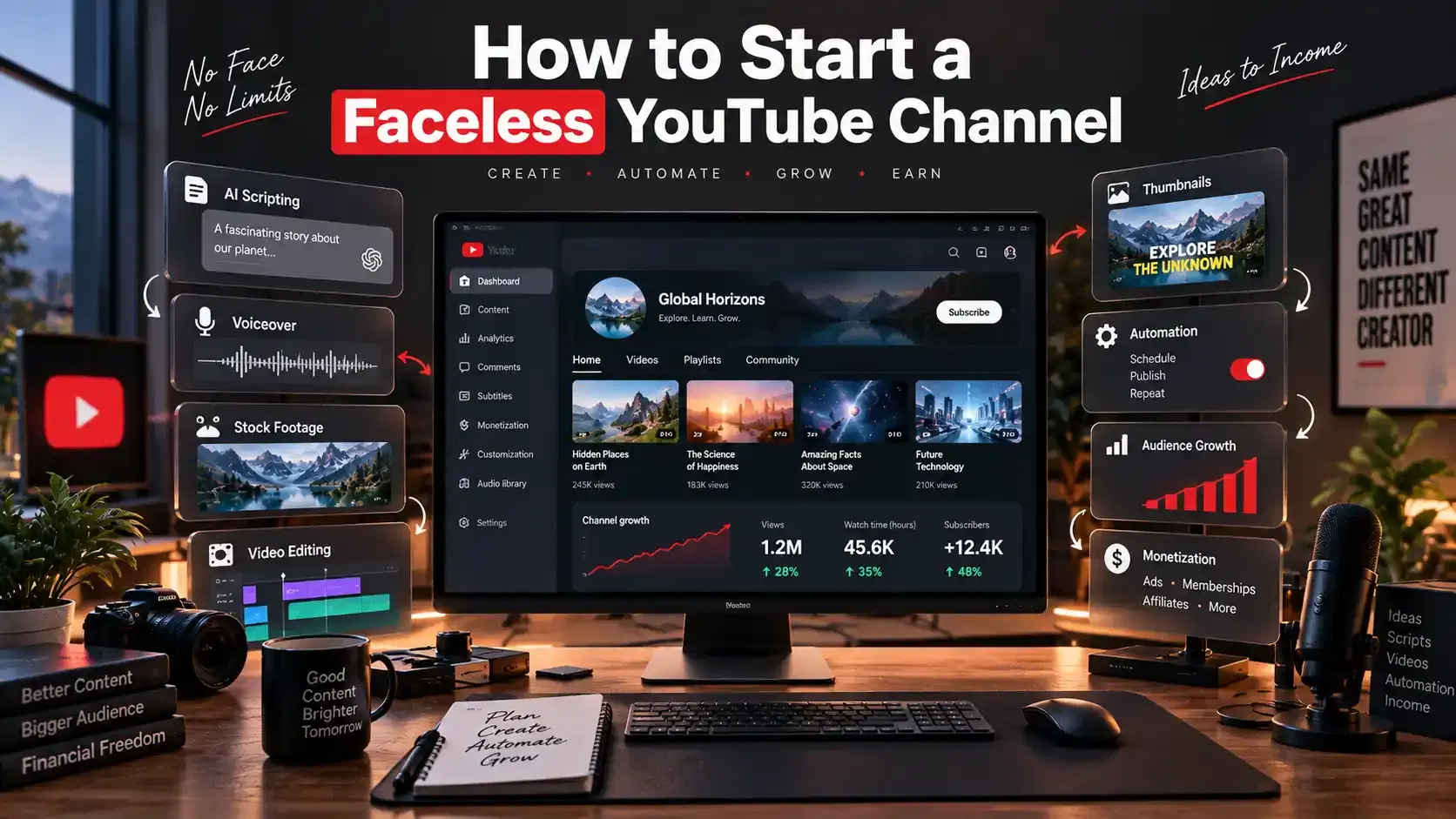
TL;DR: A faceless YouTube channel lets you build an audience and earn without ever appearing on camera. The workflow that actually works in 2026 is: pick a niche where you can add real value, choose one repeatable format, script it, narrate it with an AI voice, pair it with original visuals, package it with a strong title and thumbnail, publish three test videos, and improve from the data. Faceless channels can be monetized, but every video needs original value, and realistic AI content has to be disclosed. This guide walks through each step and shows where a tool like AITube removes the roadblocks that often stop people from publishing.
What a Faceless YouTube Channel Actually Is
A faceless YouTube channel publishes videos without putting the creator's face at the center of the content. Instead of a talking head, you carry the video with a voice-over, screen recordings, animation, stock or AI-generated footage, gameplay, hands-only demonstrations, or text-led visuals.
The word “faceless” can be confusing because some people think it means having no personality. It does not. Your personality still shows in the scripts you write, the examples you use, how you edit your videos, the voice you use, and the visual style you choose. Viewers can still quickly recognize a good faceless channel. They just connect with the style and voice instead of a person’s face.
It helps to split faceless content into two types because they carry very different risk profiles:
Traditional faceless videos. The creator stays off camera but is still clearly a real person doing real work. They might cook from a first-person view, show how to use software, or share their own research. People make these because they are camera-shy or value their privacy, not because they want to cut corners
Automated or AI-assisted videos. These lean on templates, contractors, stock media, and AI tools for scripting, voice, and visuals. This is the model most people mean when they say "faceless" today, and it is where the money and the risk both concentrate. Done with care, it scales. Done lazily, it runs straight into YouTube's inauthentic content rules, which we will cover below
How to Start a Faceless YouTube Channel
This is a simple workflow you can follow in 2026. Each step works whether you make videos yourself or use AI to save time. You can use AI for scripts, voiceovers, and videos, but avoid low effort mass produced content and make sure you disclose realistic AI content when required.
### If You Are a Complete Beginner
Do not try to do everything at once. In your first week, focus on four things:
Pick one narrow topic you know well.
Choose one format you can repeat, such as a narrated explainer.
Make one video using free tools.
Publish it.
You do not need paid tools, a team, or a perfect channel name to start. Your first goal is to publish and learn. Three rough videos will teach you more than spending a month planning and publishing nothing.
Step 1: Choose a niche you can actually sustain
Niche selection is where most channels are quietly won or lost, so do not rush it.
A useful filter is the three-way test: passion, proficiency, and profit. Start by listing topics you genuinely enjoy because you will be making dozens of videos on this subject, and enthusiasm is what carries you through the months before anything takes off. Narrow that list to areas where you can add real knowledge or a real point of view. Then check that enough viewers and advertisers exist to support the channel. A niche also needs enough repeatable sub-topics to feed months of publishing without running dry.
When it comes to making money, it is important to understand how YouTube ads work. Some topics earn much more per view because advertisers are willing to pay more to reach those audiences. Finance and investing, “make money online,” legal and tax content, business, and software are some of the highest-paying topics. For US viewers, CPMs are often reported at around $15 to $50, while general entertainment and music usually earn much less.
Where your viewers live also matters. The same video can earn several times more when watched by people in the US, UK, Canada, or Australia than in countries with lower ad rates. This is important if you want to target viewers in the US and UK.
Step 2: Set up the channel and your brand basics
Setting up the channel itself takes minutes and does not require a new account.
You can run a faceless channel on the same Google account you already use. On desktop, go to your YouTube settings, choose to add or create a new channel, and name it. This keeps your channels separate while you manage them from one login.
Do not agonize over the name at the start. Keep it simple, clear, and tied to the niche. Something like "Nomad Wealth" for digital-nomad finance is easy to remember and can grow with you. Names can be changed, so momentum matters more than perfection here.
Round out the basics: a clean profile image, a simple banner, and a one-line description that states exactly what the channel is about. No essays. An AI image generator or a free design tool is enough to produce a professional-looking avatar and banner without hiring anyone. Consistency in these visuals is what makes your channel instantly recognizable later, so pick a look and stick to it.
Step 3: Find video ideas that are already proven
Do not wait for an idea nobody has ever tried. The faster path is to study what already earns views in your niche, then create a clearly better version. A sharper angle, a clearer explanation, a stronger example set, or a more enjoyable viewing experience.
Look at competitor channels two ways. Their Popular tab shows you which topics consistently perform, which tells you what the audience reliably wants. Their recent uploads show you what is capturing attention right now. Small channels pulling unusually high views on a specific video are an especially strong signal. Because it usually means the topic is hot and not yet saturated.
Treat YouTube like the search engine it is. Build a keyword cluster around your niche: take a short "seed" phrase and expand it into more specific titles and topics. Keyword tools help you find phrases with good search demand and low competition. This is where a new channel can rank best.. Then look for the gaps your competitors have left open.
The goal of all this research is not imitation. It is to make informed decisions, understand what drives engagement in your corner of YouTube, and then put your own spin on it. Inspiration is fine. Copying is a dead end, both creatively and under YouTube's policies.
Step 4: Pick one repeatable format and a simple tool stack
Pick a single format you can reproduce over and over without showing your face:
Narrated explainers over visuals or slides
Screen-recorded tutorials and software demos
Animated stories and documentary-style videos
Gameplay with commentary
Hands-only demonstrations for cooking, crafts, or unboxings
Keep the workflow simple enough that you will still be willing to do it on video number thirty. A format you can sustain beats an ambitious one you abandon.
In the past, creating a faceless video required several apps. You needed one for the script, another for the voiceover, and one or two for visuals. Then, you’d add music and an editor to put everything together. That fragmentation is the single biggest reason beginners stall before publishing.
This is the problem AITube is built to solve. Like YouTube, AITube is a video platform, but it is built around AI. It is a free AI video generator that turns text, a script, or an idea into a finished video. Instead of using separate tools for your script, voiceover, and visuals, you can do it all in one place. You can also create videos in different styles and looks to match your idea.
AITube is more than a video generator. It is also a publishing and community platform with categories like education, short films, AI trailers, and storylines. It also has Prompt Battles, where creators compete in different themes to earn votes, badges, and prizes. You can create a video, publish it to your channel, and start building an audience without using a traditional video editor. For faceless creators who want to avoid complex editing, having everything in one place can help them publish instead of getting stuck.
If you prefer to put the video together yourself, you can still use a simple and low-cost set of tools. You can use AI to draft the script, rewrite it in your own words, add a licensed or AI voice, use free stock visuals, and edit everything with a free video editor. Either way, the principle is the same: choose tools that let you repeat the process quickly, and spend your energy on the ideas, not the plumbing.
Step 5: Write a script that hooks, then narrates it
Even with AI doing the heavy lifting, the script is where your video lives or dies because it is where your originality shows up.
Open with a hook. You have roughly the first ten to fifteen seconds to convince someone to stay. Lead with the problem or the payoff, not a slow introduction. "Excel keeps crashing on large files? Here's the fix" works because the viewer knows instantly what they are getting.
Give it a shape. A simple storytelling frame keeps even a how-to video engaging. Start in the viewer's ordinary world by naming a relatable problem, present the idea or method as the way out, walk them through it step by step, and close by showing the better outcome. For a productivity video that might run: feeling overwhelmed, here is a method, here is how to use it, here is your organized day.
Write for a person, not a page. Explain it the way you would to a friend. A useful trick is to record yourself talking through the topic on your phone, then clean up that transcript into a script. It keeps the language natural.
Use AI as a first draft, not the final word. Generate a draft, then add your own examples, opinions, structure, and corrections. This is not just a quality point; it is a monetization requirement, which we will come back to. Always fact-check anything the AI hands you.
For narration, AI voices have become good enough that you no longer need to hire a voice actor or record your own audio. Experiment with different voices until one fits your brand, and match the delivery to the content. A calm, warm voice suits relaxation or cooking; a crisper, confident tone suits tech or finance. When you generate a video with an AI video platform, the voiceover is produced as part of the same flow, which removes another separate step. Whatever you use, prioritize clean audio because viewers forgive average visuals far faster than they forgive bad sound.
Step 6: Build original visuals (and avoid the copyright trap)
Visuals are what hold attention across a longer video, and they are also where faceless creators most often get into trouble.
Match the editing style to your audience. Educational content benefits from a clean, minimalist look that builds trust and clarity. Gaming or high-energy topics can take dynamic cuts and effects. When in doubt, study how the successful channels in your niche edit, because their choices usually reflect what their audience responds to.
You can use screen recordings, free stock footage, original graphics, or AI generated visuals for your videos. Mixing different types of visuals can make your videos more interesting. AITube can help by creating visuals that match your script instead of using the same stock footage that many other creators use. This can help your content feel more original and may also reduce some of the copyright risks linked to reused media.
That copyright point is not optional. Every asset you use, footage, music, images, and voices, needs to be properly licensed or original. Crediting a creator is not the same as having permission. Unlicensed music alone can get a video muted, demonetized, or removed. This is one of the clearest advantages of generating your own visuals and using licensed or AI audio. You sidestep an entire category of problems that sink faceless channels.
Step 7: Package the video with a strong title and thumbnail
You can make a great video and still get no views if the packaging is weak. The title and thumbnail are the actual products on the browse page, so treat them as such.
Your title and thumbnail should communicate one clear idea together, not repeat each other word for word. The best titles promise a specific, understandable benefit: "Speed up Excel: 5 settings that actually work" beats "Excel tips part 1." Tell people exactly what they will get.
For thumbnails, use a clear subject, strong contrast, and one simple idea that creates curiosity or shows a benefit. It should be easy to understand at a glance. Faceless channels can still create a human connection by using a character, mascot, or consistent avatar. This is why many faceless channels use a recognizable visual style. Check your click through rate in analytics and keep testing different designs, because even small thumbnail changes can affect performance.
Step 8: Publish, then read the data before you scale
Resist the urge to batch-produce twenty videos before you know what works.
Publish, then complete the rest of the setup that YouTube rewards: a full description, chapters, end screens, cards, and playlist placement. Then watch four numbers: impressions, click-through rate, audience retention, and traffic sources. Together they tell you where the problem is. Low click-through usually means the packaging is off. Low retention means the video itself, often the first thirty seconds, needs work. Weak impressions can mean the topic or the SEO is missed.
A disciplined approach is to publish about three test videos before committing to a large tool bill, an outsourcing plan, or a rigid format. Change one major variable at a time: the topic, the title, the thumbnail, or the opening, so that when a number moves you actually know why. Only scale, and only outsource, once you understand each role well enough to judge whether someone else is doing it well.
Almost no channel gets it right with its first video. Successful faceless channels treat their early videos as experiments. They learn what works, improve their process, and build a simple system they can repeat.
Do faceless YouTube channels make money?
Yes. Faceless channels monetize the same way any channel does, and they are not banned or penalized simply for being faceless or for using AI. But there are real rules, and beginners lose channels by not knowing them. Here is what is actually true in 2026, verified against YouTube's own documentation.
The YouTube Partner Program Thresholds
To earn a share of ad revenue, your channel has to be accepted into the YouTube Partner Program (YPP). According to YouTube’s official eligibility page, you need 1,000 subscribers to qualify for full monetization. You also need either 4,000 valid public watch hours in the past 12 months or 10 million valid public Shorts views in the past 90 days. Watch hours and Shorts views never combine; each is a separate path. Watch time from Shorts does not count toward the 4,000-hour threshold.
There is also a lower tier that starts at 500 subscribers and gives access to fan-funding features like memberships and Super Chat. The requirements for this tier are lower, but you need the full tier to earn money from ads.
Meeting the requirements is not enough to join the YouTube Partner Program (YPP). You must also live in a country where YPP is available, have no active Community Guidelines strikes, turn on 2-Step Verification, and link an AdSense account, after which YouTube reviews your channel before accepting it.
One thing to plan for: YouTube has announced updates to the Partner Program taking effect on February 1, 2027, with existing partners asked to review and accept updated terms in YouTube Studio. If you are building a channel now, keep an eye on your Studio notifications so a terms update never catches you off guard.
Beyond ad revenue
You do not need a huge number of subscribers to start making money because ads are only one way to earn. Affiliate marketing can work early on, where you promote useful tools in your niche and earn a commission when someone buys through your link. Software and online tools often offer good affiliate programs. You can also make money through sponsorships, digital products such as ebooks, templates, and courses, email lists, memberships, and paid communities. In some high-paying niches, these income sources can earn more than ads because the audience is valuable to businesses.
The rules that quietly get Yoube faceless channels demonetized
Two official YouTube policies matter more to faceless creators than to anyone else. Understand them before you publish, not after you get flagged.
1. The "Inauthentic Content" Policy
In July 2025, YouTube changed its "repetitious content" policy to "inauthentic content." This new name shows that the policy includes mass-produced or repetitive content. YouTube was explicit that this was a clarification, not a new rule, and that it is not an AI ban. Channels that use AI remain eligible to monetize.
YouTube targets content that shows little change across videos. This includes templated storylines, image slideshows, and scrolling text that lack depth. It also focuses on AI-generated content using generic templates. Such content feels mass-produced and lacks the creator's unique insight. In plain terms: if a viewer could watch several of your videos in a row and feel they are near-identical, you have a problem.
The takeaway for a faceless, AI-assisted channel is direct. Consistency of style is good; sameness of substance is not. A saved visual style and a fixed narrator voice are just branding, and they are fine. Near-identical episodes with no original commentary, analysis, or perspective are what gets demonetized. Publishing fewer, more differentiated videos is both safer and more effective than mass-producing near-duplicates.
2. The AI Disclosure Requirement
YouTube requires creators to disclose when a video contains realistically altered or synthetic content, meaning content a viewer could easily mistake for a real person, place, scene, or event. You do this with the "altered or synthetic content" toggle in YouTube Studio during upload.
The key difference is whether the AI content looks real, not simply whether you used AI. YouTube says you must disclose content such as a fake version of a real person saying or doing something they never did, AI changed footage of a real event, or a realistic scene that never happened. You do not need to disclose AI used to help with production, write scripts, brainstorm ideas, or create titles and captions. You also do not need to disclose clearly unrealistic or stylized visuals, such as obvious animation. A basic text to speech voice that does not copy a real person usually does not need to be disclosed either.
For most faceless creators making animated explainers or narrated content with stylized visuals, this means little day-to-day friction. The rule bites when you start generating photorealistic footage of real-looking people or events. When in doubt, disclosing is low-cost, since YouTube states the label is not designed to reduce your reach or your ability to monetize.