Camera moves· none
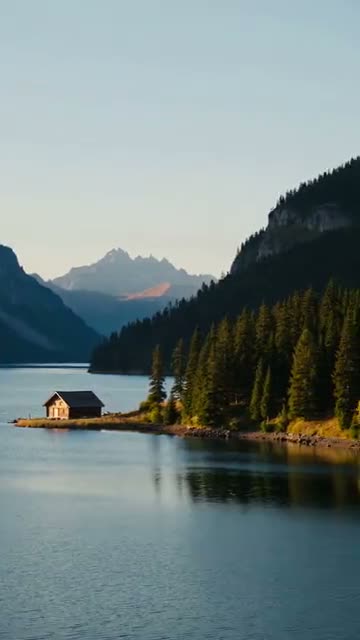
Pan right shota camera move for any AI video.
Pan right (turn across the scene) is one of AITube's 32 camera moves. Pick it in Create and AITube adds these words to your prompt: “The camera pans slowly to the right across the scene, smooth and steady.” Use it to follow movement across the frame or to scan a wide landscape. It costs nothing extra: you pay only the model's price for the clip, from 10 credits for a 5-second clip.
Opens Create with this move picked. You choose the model and see the price before anything runs.
- Extra cost
- None
- Works with
- Every video model
- Combine
- Up to 2 moves
Real numbers
Pan right on AITube so far.
Counted from AITube's own records, last counted 15 Nov 2026, 00:02 UTC. Videos count only when they're public; earnings are the creators' share of watch-page ads on them.
How it works
Your scene, our camera words.
A camera move on AITube is a sentence, not a setting. AI video models take camera direction in plain words, so Create adds the pan right wording to the end of your prompt, the same words the preview clip was made with. It describes only the motion, so it works when you start from a photo too.
Try it
- Describe the sceneSay who or what is in the shot and where. The move adds the camera words for you.
- Pick a model and a lengthAny video model works. The price is on the Generate button before anything runs.
- Generate and postDownload the clip, or publish it to your AITube channel.
The words it adds
Picking pan right in Create adds this sentence to the end of your prompt:
The camera pans slowly to the right across the scene, smooth and steady.
Every model reads it. Compare prices on the model price list.
Best results
Small things, a better clip.
- Describe the subject and the setting, and leave the camera to the move.
- Starting from a photo? The move describes only motion, so the frame stays yours.
- Results vary by model; try the same prompt on two models to compare.
Questions
Pan right, in short answers.
What is a pan right shot?
Turn across the scene. On AITube it adds these words to your prompt: “The camera pans slowly to the right across the scene, smooth and steady.” Use it to follow movement across the frame or to scan a wide landscape.
Does a camera move cost extra?
No. You pay only the video model's price for the clip, from 10 credits for a 5-second clip, and Generate shows it before anything runs.
Which AI video models can use it?
Every video model in Create. The move is plain words in the prompt, which every model reads, though how closely each one follows camera direction varies.
Can I combine camera moves?
Yes, up to two moves in one clip.
Is my prompt used to train AI?
No. AITube doesn't train AI on your prompts or uploads (Terms, section 5.4).
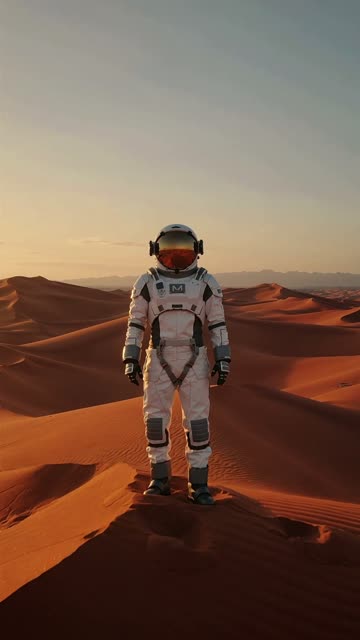
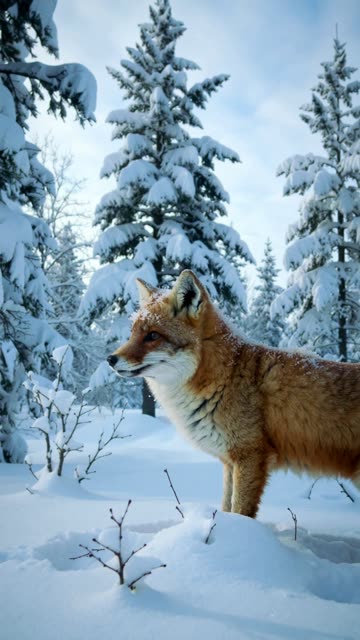
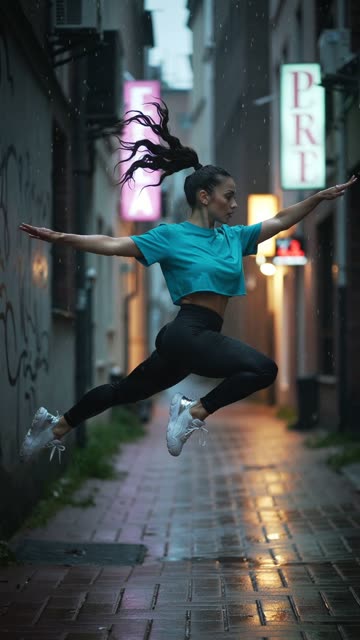
More camera moves
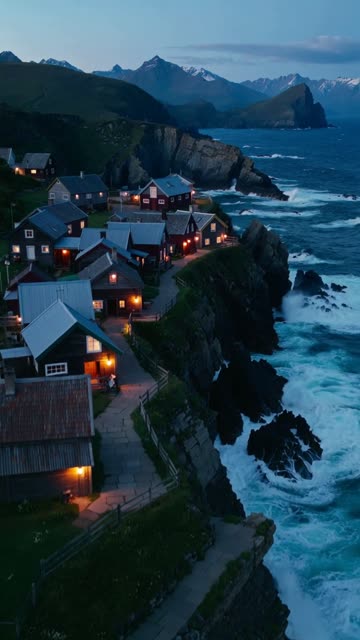
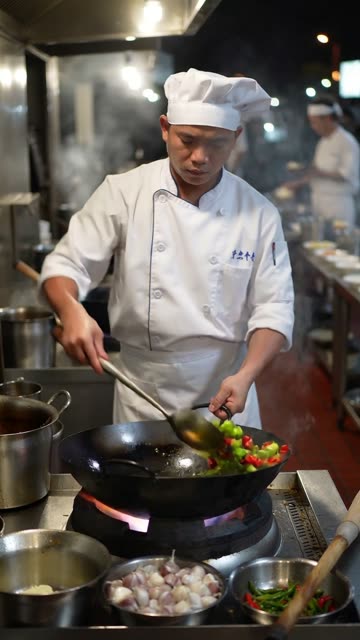
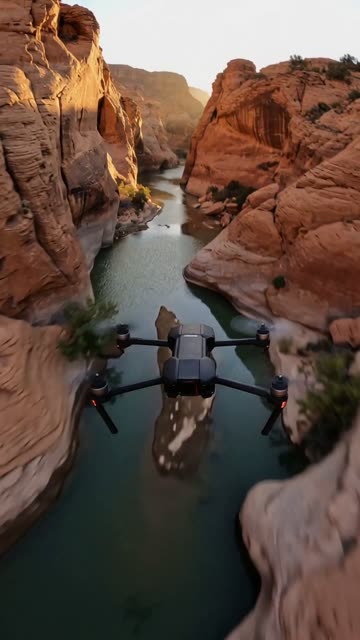
Explore more
More to make on AITube.
AI effects
- AI Gender Swap Filter
- AI Aging Filter
- Pixar AI Filter
- Lego AI
- Ghibli AI Filter
- AI Inflate Effect
- Is It Cake? AI Cake Effect for Any Photo
- AI Clone Yourself
- AI Robot Face Reveal
- AI Hug Video Generator
- AI Dance Generator
- Animate Old Photos
- Pet Says Hi effect
- Baby Giggles effect
- Couple Slow Dance effect
- Family Smile effect
Camera moves
AI video models
Pan right, in your next video.
See the price before anything runs, then download it or post it where people come to watch AI video.